30% of your revenue happens while you sleep
Founders don’t buy software during business hours, they buy software when it’s most convenient for them. That often happens after hours at 9 pm, 12 am, or even

PandaDoc is kind of the all-inclusive resort of document tools: E-signatures, proposals, quotes, and even some light CPQ, all bundled together. So when you start searching “PandaDoc alternatives,” you’re not really asking for a one-to-one replacement; instead, you’re trying to figure out which part of that bundle you’re actually unhappy with.
For some teams, the answer is that they simply need cheaper, no-drama e-signatures. Others want better-looking proposals or proper contract workflows. And then there are B2B SaaS teams discovering the real problem is bigger: quotes live in one tool, signatures in another, and billing in a third.
On top of that, PandaDoc’s pricing climbs fast as you grow. CRM integrations and approval workflows sit behind the $49/seat Business tier, while CPQ, workflow automation, and API access are Enterprise-only, and some long-time customers say they’ve paid the same price for fewer features over time.
We’re going to look at 12 alternatives across four clear categories – e-signature, proposals, CLM, and quote-to-cash – from a B2B SaaS sales workflow point of view, so you can pick the right category first, then the right tool!
Before you start comparing feature lists, stop and ask the right question first.
“PandaDoc alternatives” sounds like a flat comparison problem. It isn’t. It’s a category problem.
PandaDoc blends proposals, e-signatures, and light quoting into one platform. That means the right replacement depends entirely on which part of that bundle is actually causing friction in your workflow.
If you choose the wrong category, you won’t solve the root issue. You’ll just swap one tool for another and keep the same bottlenecks.
E-signature tools :
Proposal platforms:
CLM platforms:
Quote-to-cash platforms:
Each category solves a different problem. The mistake most teams make is assuming all four are interchangeable.
They’re not.
Map the path from “we agreed on price” to “cash hits the bank.” Write down every tool that touches the deal.
Now count them.
If it’s one or two, you probably just need a better category fit. If it’s three or more, the issue isn’t signatures. It’s handoffs. Every extra tool creates:
In B2B SaaS, friction in the deal process leads to compounding delays. Quotes get stuck. Approvals vanish. Finance is burdened with chasing invoices, and founders lose oversight. E-signature tools only address a single step, while fragmented workflows are the root cause of the rest of the friction.
If your revenue process feels heavier than it should at $500K-$2M ARR, it’s usually not because the PDF didn’t get signed fast enough. It’s because the system around it isn’t connected.
Now that you know which category your workflow falls into, let’s look at specific tools.
Instead of ranking these by popularity or hype, we’re organizing them by what they’re actually built to do. An e-signature tool shouldn’t be compared to a CLM platform. A proposal builder isn’t the same thing as a quote-to-cash system.
Each alternative is broken down the same way:
We’ll start with quote-to-cash platforms, because they address the broadest workflow – then move into e-signature tools, proposal platforms, and finally CLM systems.
If you’re a B2B SaaS team, pay close attention to where the tool stops. That’s usually where your next operational headache begins!

Best for: People looking for one system for SaaS quoting and billing.
Starting price: Startup $500/month (5 users), Growth $1,500/month (unlimited users) — flat pricing, no per-seat escalation.
Category: Quote-to-cash.
Salesbricks isn’t a proposal tool with e-signatures layered on top. It’s built for revenue execution from the first quote through recurring billing.
If you’re using PandaDoc mainly for proposals, this is where the difference becomes clear. Instead of sending a polished PDF and then switching tools to collect payment, Salesbricks gives you a single checkout URL where buyers can review the deal, collaborate, e-sign, and pay in one motion. No attachments. No version confusion. No “can you resend that with the updated pricing?”
The buyer experience feels closer to a modern checkout than a document workflow. Changes sync in real time. Discounts update instantly. Buyers can choose a credit card or ACH on the same page. The signature isn’t the finish line – it’s just one step in the order flow.
After signature, the platform doesn’t hand things off to spreadsheets. Salesbricks manages renewals, automated billing, dunning, and subscription changes, while real-time revenue dashboards give founders visibility into MRR, ARR, and cash collections. Stripe remains the payment processor, but Salesbricks becomes the revenue operating system around it.
This makes it particularly strong for SaaS teams who’ve “graduated from Stripe” but don’t want the weight of an enterprise CPQ suite.
🚫Honest limitation: If your primary need is highly designed, marketing-style proposals or heavy legal redlining workflows, a dedicated proposal platform or CLM system may go deeper in those specific areas. Salesbricks prioritizes speed, structure, and revenue clarity over decorative document design.
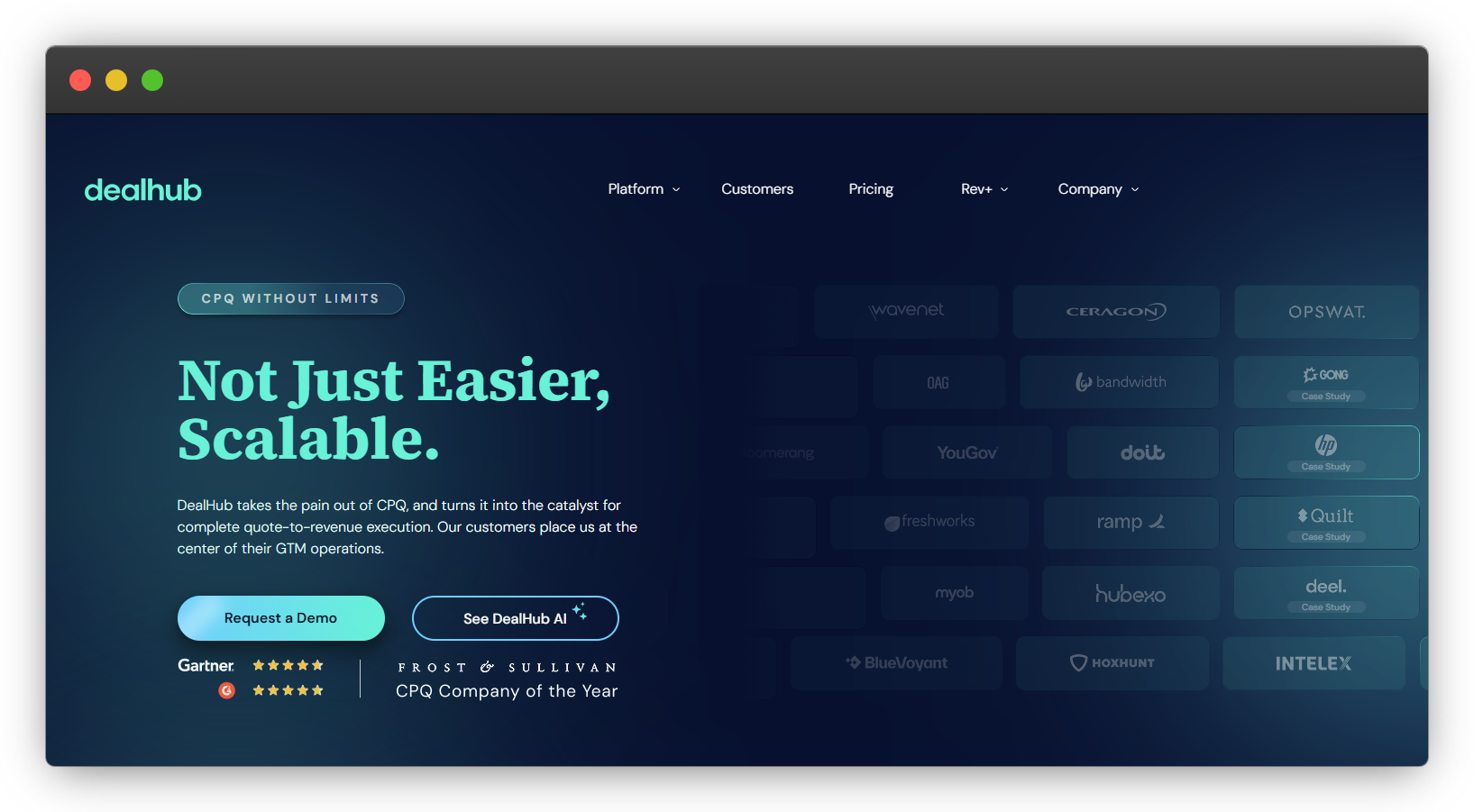
Best for: Mid-market and enterprise sales teams with complex pricing models and larger RevOps functions.
Starting price: Custom enterprise pricing (demo required).
Category: Enterprise CPQ.
DealHub sits firmly in the enterprise CPQ category. If your sales motion involves multi-layer approvals, conditional pricing logic, channel quoting, guided selling, and heavy Salesforce integration, this is the type of platform designed for that environment.
Its strength is configurability. Complex pricing models, dynamic bundles, automated approval workflows, deal desks, partner quoting – DealHub is built to handle layered revenue operations at scale. It positions itself as the center of GTM operations, integrating deeply with CRM, ERP, and financial systems. For organizations that need strong governance, structured processes, and enterprise-grade compliance, that architecture matters.
It also extends beyond quoting into CLM, subscription management, and billing, making it broader than a traditional CPQ tool. For global teams with long sales cycles and procurement-heavy buyers, that level of control can be valuable.
🚫Honest limitation: With that flexibility comes complexity. DealHub is typically overbuilt for early-stage SaaS teams. Implementation, configuration, and change management require internal resources, and pricing reflects enterprise positioning. If you’re at $500K-$2M ARR looking for speed and simplicity, this category may feel heavier than necessary.
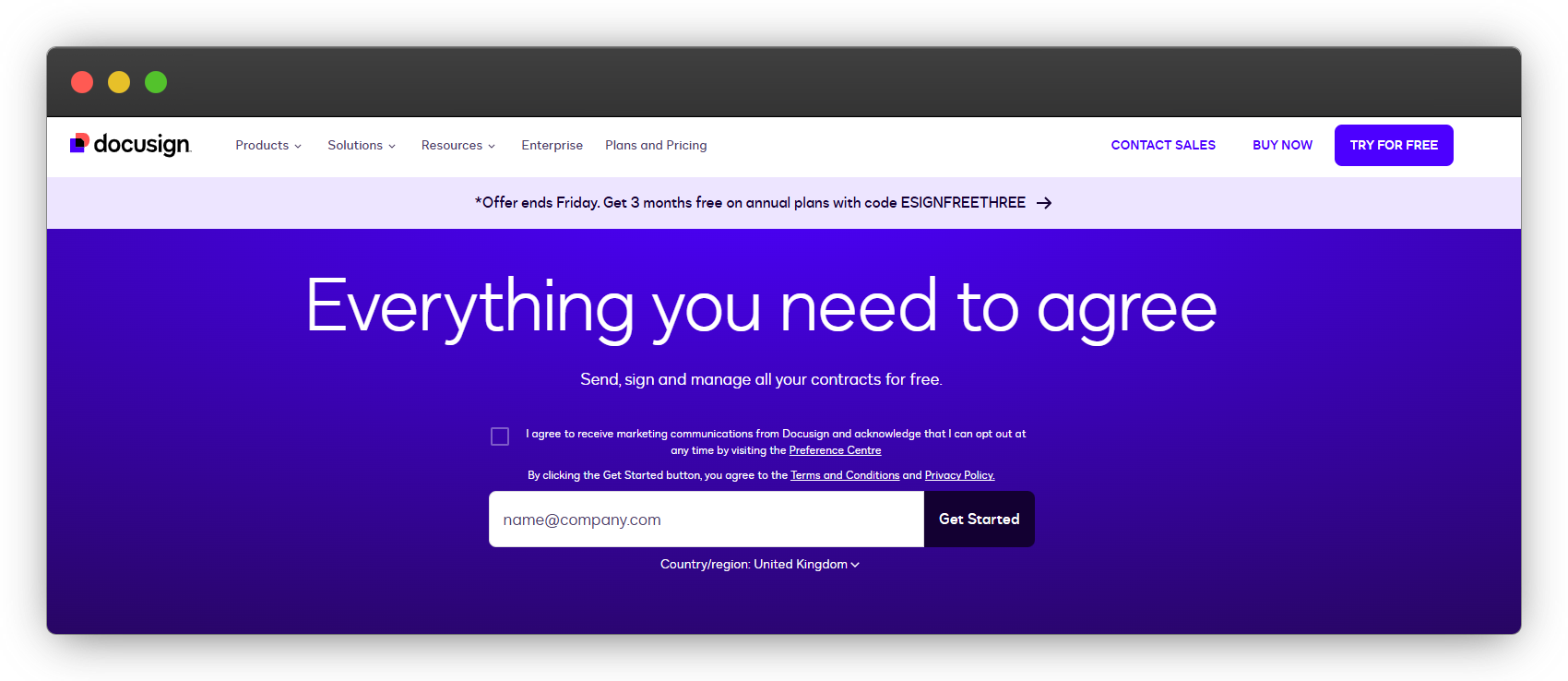
Best for: Enterprise-grade e-signature with strong compliance and broad integrations.
Starting price: Personal $10/month (5 envelopes), Standard $25/user/month (100 envelopes per user/year), Business Pro $40/user/month.
Category: E-signature.
DocuSign is the benchmark for electronic signatures. If your primary goal is sending legally binding agreements with strong security, global compliance standards, and deep enterprise integrations, it’s one of the safest choices on the market.
Compared to PandaDoc, DocuSign is more focused. It doesn’t position itself as a proposal builder first – it’s an agreement platform built around signatures, workflow automation, and increasingly, AI-powered contract insights. Large enterprises value its security posture, global certifications, and ecosystem of integrations.
🚫Honest limitation: DocuSign is not a proposal design tool or a quoting engine. If you need pricing tables, buyer-facing proposals, or subscription billing tied to the signature, you’ll need additional systems. It solves signing exceptionally well, but it stops at the signature.
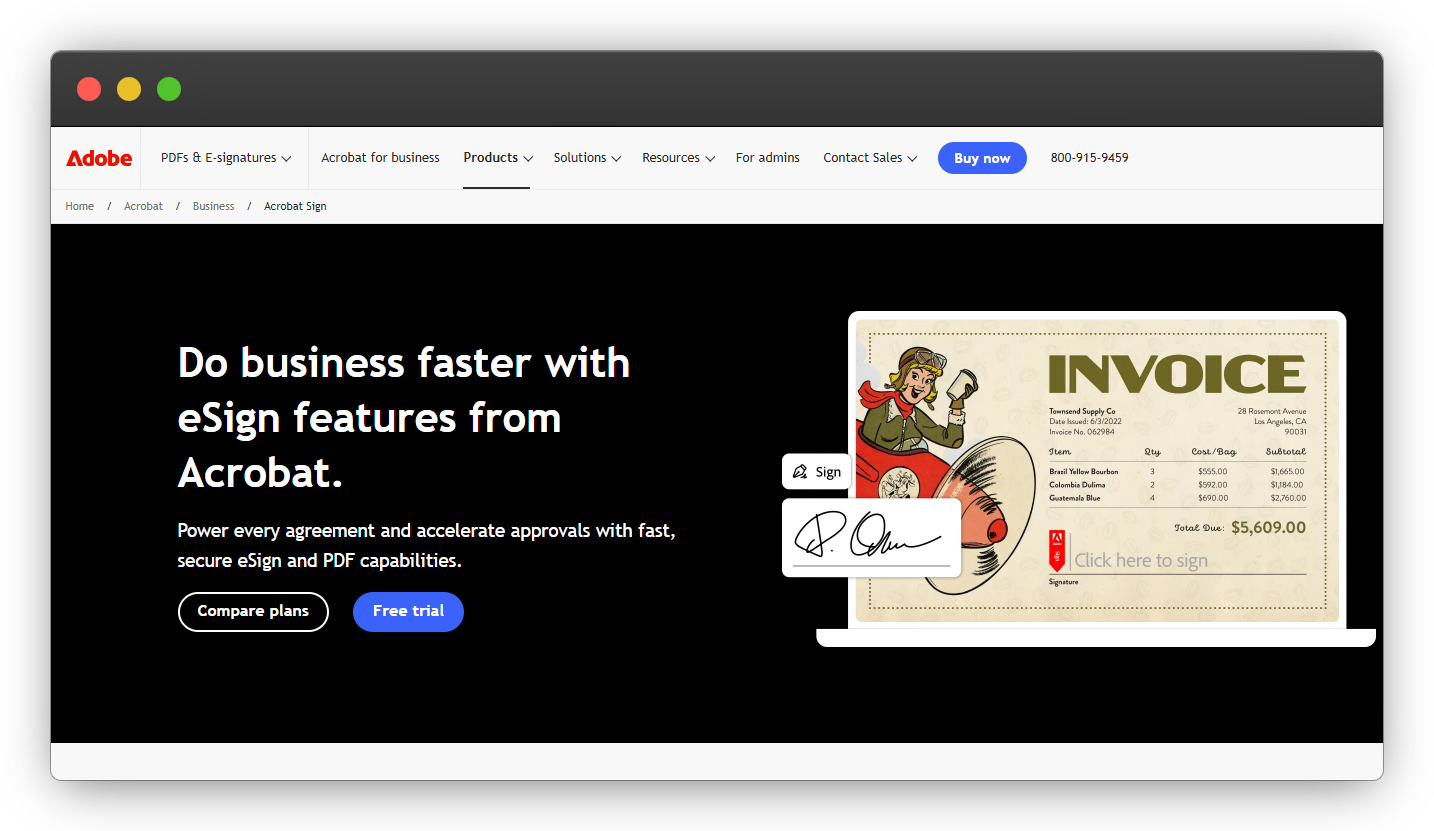
Best for: Regulated industries and teams already embedded in the Adobe ecosystem.
Starting price: Acrobat Standard for Teams from $14.99/user/month (annual commitment); Acrobat Pro for Teams from $23.99/user/month. Enterprise pricing custom.
Category: E-signature.
Adobe Acrobat Sign builds on something most businesses already use: PDFs. If your workflow revolves around editing, securing, converting, and signing documents inside Microsoft or Google environments, Adobe offers a familiar, all-in-one experience.
Its strength is reliability and compliance. Regulated industries – legal, real estate, and financial services – often prefer Adobe’s security posture and brand trust. Being able to edit a document, lock it down with passwords, and send it for signature without switching platforms is appealing for document-heavy teams.
🚫Honest limitation: Adobe Acrobat Sign is document-first, not revenue-first. It doesn’t handle quoting logic, subscription billing, or post-signature revenue workflows. If your needs extend beyond secure document management and signatures, you’ll need additional tools to support them.
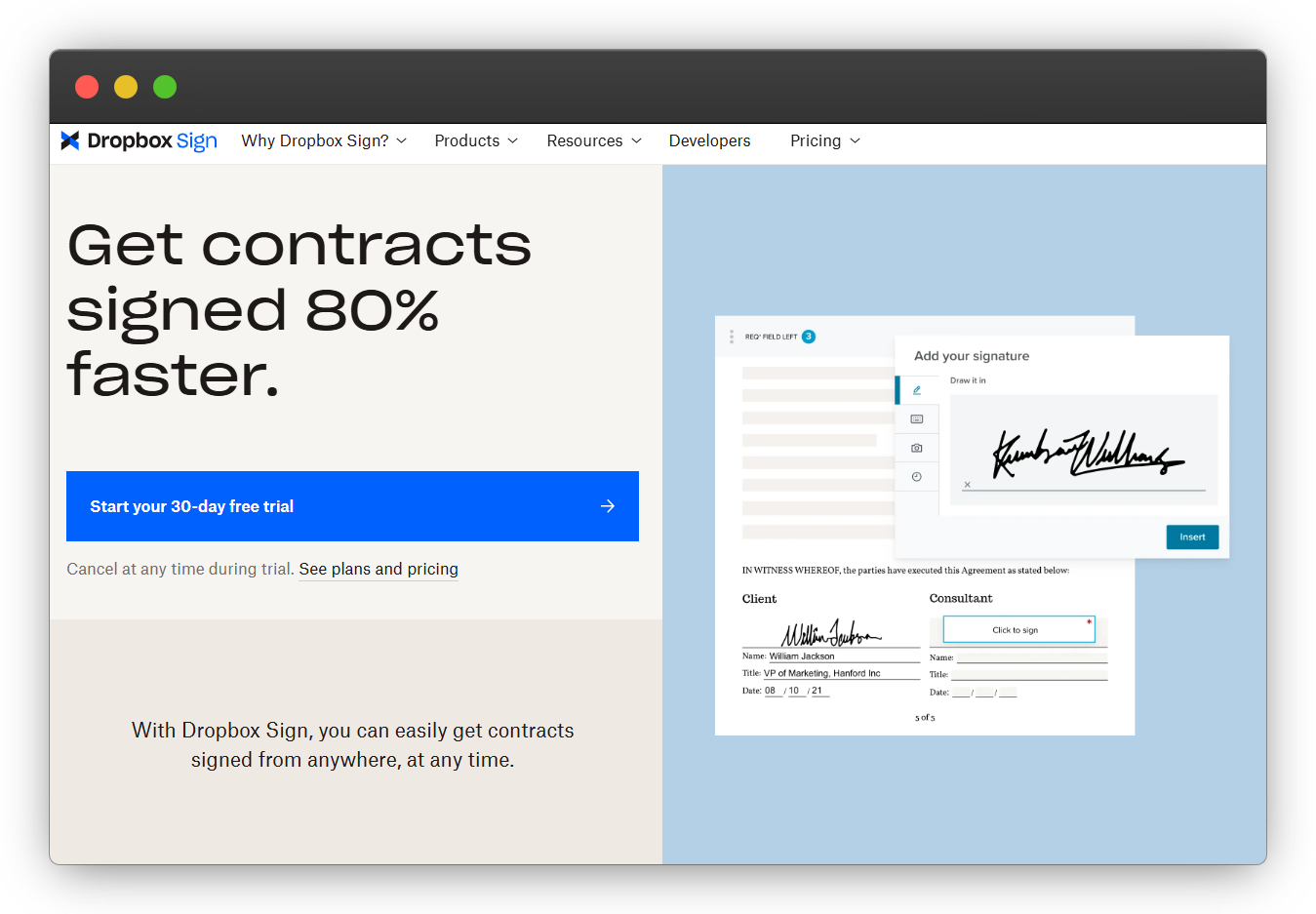
Best for: Small-to-midsize teams that want a straightforward e-signature without complexity.
Starting price: Essentials £11.67/month (billed yearly), Standard £20/user/month (billed yearly), Premium custom pricing.
Category: E-signature.
Dropbox Sign focuses on simplicity. You upload a document, add signature fields, send it, and track completion. Unlimited signature requests, audit trails, and clean integrations with tools like Google Drive, HubSpot, and Salesforce make it attractive for teams that just need signatures to work without friction.
Compared to PandaDoc, it removes the proposal-builder layer, keeping things lightweight. There’s no heavy pricing logic, no CPQ positioning – just document signing with predictable pricing and fewer moving parts. For small teams that don’t need advanced approval workflows or embedded revenue systems, that simplicity is often the appeal.
🚫Honest limitation: Dropbox Sign doesn’t handle quoting, pricing tables, billing, or subscription management. If your workflow extends beyond collecting signatures, you’ll need other tools around it – and that’s where fragmentation can creep back in.

Best for: Budget-conscious teams and QuickBooks Online users.
Starting price: Free plan (3 documents/month), Light $10/month, Business $30/month.
Category: E-signature.
If your goal is simple, affordable document signing, SignWell is one of the most straightforward PandaDoc alternatives available.
There is a usable free option. SignWell’s free tier includes 3 documents per month with audit trails, which is enough for freelancers or very small teams that only send occasional agreements. Paid plans unlock unlimited documents, templates, bulk send, and branding – without complicated per-envelope pricing.
It’s especially appealing for QuickBooks Online users, since it offers a native integration, making it easier to connect signed agreements with accounting workflows.
Compared to PandaDoc, SignWell strips things down to the essentials. There’s no proposal builder, no pricing tables, no CPQ positioning — just clean e-signature functionality at a predictable cost.
🚫Honest limitation: SignWell is signing-focused. It doesn’t handle quoting logic, approval workflows at scale, or subscription billing. If your sales process requires coordination between pricing, contracts, and revenue collection, you’ll need additional systems around it.
Best for: Cost-focused teams and developers embedding e-signature via API.
Starting price: Free plan (25 envelopes/month), Growth $5/user/month, Business $15/user/month.
Category: E-signature.
BoldSign positions itself as transparent and developer-friendly. Pricing is clear, envelope limits are upfront, and API access is a core part of the product – not an afterthought. For teams that want predictable costs and the ability to embed signing directly into their own SaaS product, that’s attractive.
Its lower-tier plans are competitively priced, especially compared to legacy enterprise players. Even paid plans avoid the steep per-seat jumps that often push small teams into higher pricing brackets. API-focused features, webhooks, and multitenant SaaS embedding make it particularly appealing for technical teams building signing into their own platforms.
🚫Honest limitation: BoldSign is firmly in the e-signature category. It doesn’t provide proposal creation, pricing configuration, or subscription billing. If your challenge extends beyond collecting signatures to quoting and revenue management, you’ll still need additional systems to complete the workflow.
Best for: Structured sales teams that want engagement analytics, branded proposals, and strong CRM workflows.
Starting price: Mid-market pricing (tiered per user, demo typically required for advanced features).
Category: Proposal platform.
If your main question is, “Is Proposify better than PandaDoc for sales proposals?” – the answer depends on what you value most.
Proposify is laser-focused on proposal performance. It’s built for teams that care about brand presentation, standardized templates, approval controls, and tracking exactly how prospects engage with documents. Real-time analytics show when a proposal is opened, which sections are viewed, and how long prospects spend on pricing pages. For structured sales teams with defined processes, that visibility can tighten follow-up and improve close rates.
It also integrates cleanly with major CRMs, pulling deal data directly into proposals to reduce manual errors and rogue edits. For organizations that want proposal governance without sacrificing design flexibility, Proposify is a strong contender.
🚫Honest limitation: Proposify stops at the signature. It doesn’t handle subscription billing, revenue recognition, renewals, or post-signature automation. If your challenge extends beyond proposal creation into managing the full quote-to-cash workflow, you’ll still need additional systems around it.
Best for: Teams wanting interactive proposals that feel like branded microsites.
Starting price: Business $35/user/month, Enterprise $59/user/month (annual billing).
Category: Proposal platform.
Qwilr stands out for presentation. Instead of sending a static PDF, you send a web-based proposal that feels more like a mini landing page. Smooth layouts, embedded media, dynamic pricing blocks, and clean design make it popular with creative agencies and sales teams that care about visual impact.
It includes e-signature, pricing tables, and even payment collection through QwilrPay. Page analytics show how prospects interact with content, helping reps follow up with context instead of guesswork. CRM integrations (HubSpot, Salesforce, Pipedrive, Zoho) support more structured sales workflows.
If PandaDoc feels dated visually, Qwilr is often the alternative teams explore first.
🚫Honest limitation: Qwilr is still proposal-first. It doesn’t manage subscription billing, renewals, or end-to-end revenue workflows. Once a deal is signed and paid, you’ll still rely on other systems to manage the ongoing customer lifecycle.

Best for: Consultants, freelancers, and small teams that want polished proposals fast.
Starting price: Starter is $13/user/month, Premium is $23/user/month, Enterprise $42/user/month.
Category: Proposal platform.
Better Proposals is built for speed and simplicity. If you want clean, professional-looking proposals without spending hours in a design tool, it delivers. The editor is intuitive, templates are plentiful, and interactive pricing tables plus built-in e-signatures make it easy to move from draft to signed agreement fast.
It also includes payment integrations, analytics, CRM connections on higher tiers, and onboarding flows – which makes it appealing for service businesses and consultants who want everything in one neat proposal package.
Compared to PandaDoc, it’s often more straightforward and design-focused, especially for smaller teams that don’t need complex sales workflows.
🚫Honest limitation: Better Proposals stops at the proposal stage. There’s no contract lifecycle management, no CPQ logic, and no subscription billing or post-signature revenue automation. If your process extends beyond sending and signing proposals, you’ll need additional tools to manage the rest of the customer journey.
Best for: B2B sales teams that want shared deal workspaces and buyer engagement tracking.
Starting price: eSign $25/user/month, Professional $49/user/month (5-user minimum), Enterprise custom pricing.
Category: Digital Sales Room / Proposal + e-sign.
GetAccept goes beyond sending a document for signature. It positions itself as a “Digital Sales Room,” where reps can share content, track buyer engagement, chat with stakeholders, and manage deal progress in one shared space.
The Professional and Enterprise tiers introduce pricing tables, product libraries, CRM integrations, and deeper analytics. For structured B2B sales teams, the combination of proposal content, e-signature, and engagement tracking can create a more guided buying experience compared to a basic PDF workflow.
Compared to PandaDoc, GetAccept leans more heavily into buyer interaction and sales enablement. It’s not just about sending a contract – it’s about controlling the narrative and keeping all stakeholders aligned in one workspace.
🚫Honest limitation: While Enterprise tiers introduce CPQ and contract management features, GetAccept remains primarily a sales-room and engagement platform. Subscription billing, revenue automation, and post-signature lifecycle management typically require additional systems. If your focus is full quote-to-cash execution rather than buyer collaboration, this category may not go far enough.
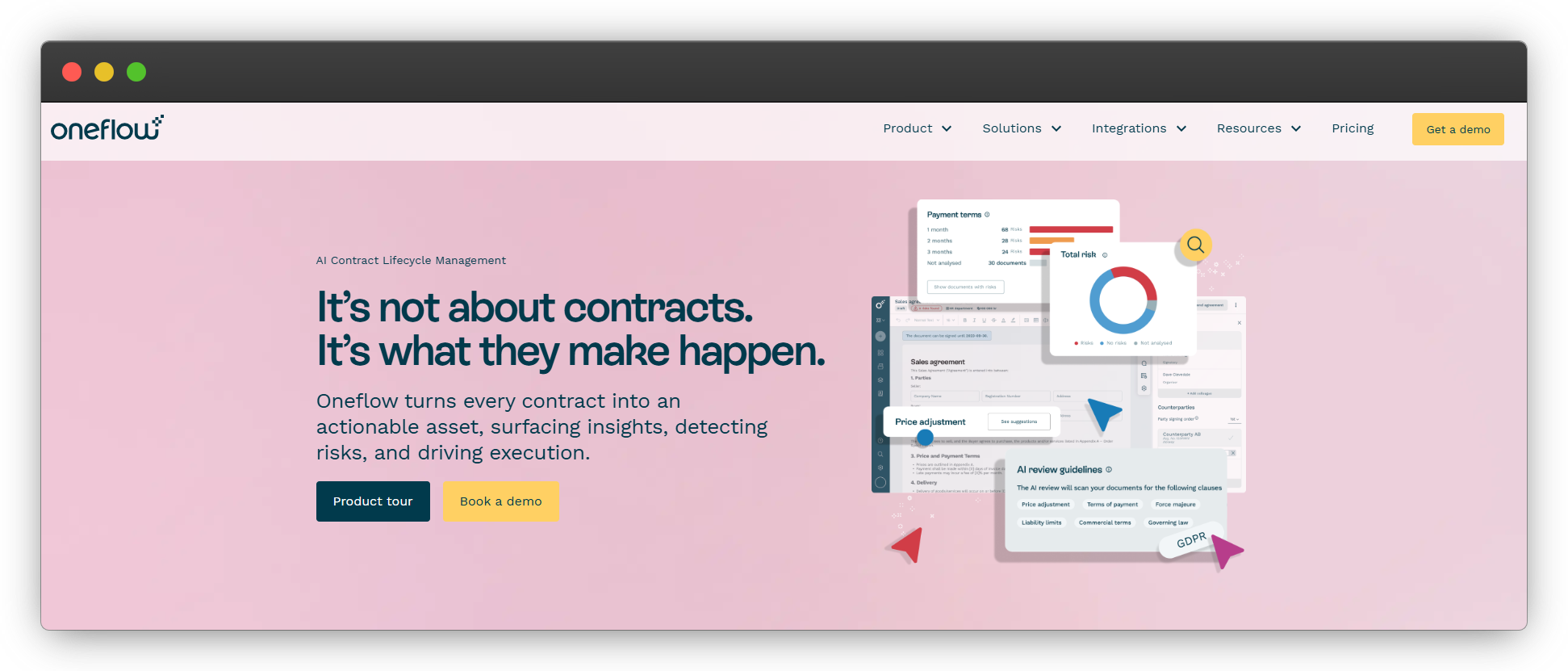
Best for: European organizations that prioritize compliance and real-time contract collaboration.
Starting price: Business from $275/month (5 users included), Enterprise custom pricing.
Category: CLM/Contract platform.
Oneflow positions contracts as living documents rather than static PDFs. Instead of sending a file back and forth, teams collaborate directly inside the contract – with inline comments, version control, approval workflows, and structured signing flows.
Compliance is a major selling point. Oneflow is GDPR- and eIDAS-compliant and ISO-certified, which makes it particularly attractive to European organizations or companies operating in regulated environments. The platform also includes lifecycle management, data retention controls, webhooks, and AI-powered review and extraction features on higher tiers.
Compared to PandaDoc, Oneflow leans more heavily into structured contract management and negotiation within the document itself, rather than proposal design.
🚫Honest limitation: Oneflow focuses on contract lifecycle management. While it supports signatures and approvals, it does not replace a full quote-to-cash system. Subscription billing, revenue automation, and post-signature financial workflows require separate systems.
Feature lists are easy. What’s harder is understanding the second-order cost of your decision. If you read Reddit threads about PandaDoc competitors, the themes are consistent:
The real decision is about how many systems your deal touches before revenue hits your bank account.
If your process is straightforward (i.e., send proposal, collect signature, invoice manually) a lightweight e-signature platform may be perfectly adequate.
But problems usually show up when teams try to optimize cost instead of workflow. Replacing PandaDoc with:
can look cheaper at first glance.
What it introduces, though, is fragmentation. Data gets re-entered. Approvals live in email. Finance reconciles invoices separately. Sales loses visibility after the signature.
If three or more tools touch a deal between the quote and the first invoice, the issue isn’t document signing. It’s handoffs.
That’s the gap that quote-to-cash platforms are designed to eliminate.
Free tiers and low-cost plans work well for low-volume use cases. Freelancers. Consultants. Early-stage teams are sending a handful of contracts per month.
But these plans typically:
They’re signing tools, not revenue systems. That distinction matters more as the sales motion becomes structured and team-based.
The depth of CRM integration is where many alternatives quietly separate themselves.
In practice, basic syncing is often locked behind higher-tier plans. Connections to systems like Salesforce or HubSpot may be sold as add-ons. And even when integrations exist, they frequently pull contact data without truly automating deal progression, approvals, or pricing logic.
On a small scale, this is tolerable.
As deal volume grows, it becomes expensive. Reps duplicate work. Forecasts drift. Finance reconciles mismatched data after the fact.
If your CRM is your source of truth, your document platform should either extend it meaningfully or not interfere with it at all.
Switching document platforms often looks like a straightforward cost decision. In reality, most mistakes happen when teams replace a tool without fully examining the workflow around it. The goal shouldn’t be to swap subscriptions – it should be to reduce friction across the deal lifecycle.
Here’s where teams most often get it wrong.
At first glance, breaking PandaDoc into smaller tools feels efficient. A proposal platform for design. A standalone e-signature product for execution. Stripe for payments. A spreadsheet for tracking.
If you only need one category, this approach can genuinely reduce cost. A focused e-signature tool is often cheaper than an all-in-one platform.
The issue arises when multiple systems now touch the same deal. Every additional handoff introduces coordination cost – data re-entry, version confusion, approval bottlenecks, and manual reconciliation. The subscription line item shrinks, but the operational overhead grows. What looked cheaper becomes more complex to manage.
Before moving to a multi-tool stack, it’s worth asking whether you’re simplifying your process – or just distributing it across more dashboards.
Nearly every alternative offers an e-signature. That makes it a poor differentiator.
The more meaningful questions sit on either side of the signature. How are pricing tables structured? Where do approvals live? Can revisions be managed cleanly? What happens after the document is signed?
If your bottleneck is pricing logic or approval routing, a signing-focused tool won’t fix it. If your friction begins after signature – billing, renewals, revenue tracking – a proposal platform won’t fix that either.
Teams that need quoting, contracting, and revenue workflows connected often discover they were evaluating within the wrong category entirely.
Before cancelling your current subscription, run a simple audit.
Export your full archive of signed documents, including audit trails. Don’t assume access remains simple after cancellation.
List every CRM and payment integration currently in daily use, then confirm which tier of your new platform includes those connections. Many integrations are gated behind higher plans or limited to basic field syncing.
Finally, identify where manual reconciliation still exists in your current process. Migration is an opportunity to remove those friction points – not carry them forward.
Switching platforms should improve how revenue flows. If it only changes how documents look, the underlying issue remains.
Choosing a PandaDoc alternative is rarely just about replacing a document tool. By the time most SaaS teams begin evaluating competitors, they already sense that e-signature itself is not the real constraint. The friction usually appears in the spaces between systems, where quoting happens on one platform, signatures on another, payments elsewhere, and renewals are tracked manually in spreadsheets or CRM notes.
Each tool may work well on its own. Together, they create coordination costs, reduce visibility, and slow revenue execution.
If your workflow truly ends at signature, then a focused proposal or e-signature platform may be enough. But if your sales motion includes negotiated pricing, approval routing, payment collection, recurring billing, and renewals, then you are not simply selecting a document solution – you are choosing how your revenue engine runs.
Salesbricks was built specifically for B2B SaaS teams that have outgrown stitched-together stacks. It unifies quoting, signing, payment, subscription management, and renewals into a single workflow designed for clarity and speed.
If you want to see where your current process is leaking time or visibility, book a short demo and map your deal flow against Salesbricks. You’ll quickly see whether the bottleneck is a document or the system around it.
.png)