Best Salesforce CPQ Competitors for Fast Growing SaaS Companies
By
Jon Festejo
Published on
February 19, 2026
0
Teams usually outgrow their quoting setup before they admit it. Discounts take longer to approve than they should. Every “small” pricing exception becomes a mini-project. Quotes turn into PDFs, then into signature links, then into a separate billing workflow… The process still works, but it starts costing you time, speed, and confidence in the numbers.
If Salesforce CPQ is where you’re starting to see issues, we want to show you an alternative. We’ll explain why teams move on, compare the alternatives across enterprise CPQ, modern SaaS CPQ, billing platforms, and doc-first quoting tools, and show where Salesbricks fits for SaaS companies between $500K and $10M ARR.
Why Teams Outgrow Salesforce CPQ
Most teams don’t “leave” Salesforce CPQ, they work around it. Quoting starts to depend on a few power users, pricing exceptions create delays, and the process fragments into PDFs, signature tools, and separate billing workflows. That’s usually the moment teams start comparing credible alternatives like DealHub, Oracle CPQ, Conga, Zuora, PandaDoc, and Salesbricks.
Subscription Changes Break the System
The first quote usually looks fine, even for a multi-year ramp. The issues show up the first time the customer changes anything mid-contract. Add seats, change a start date, switch a tier, apply a credit – suddenly the “simple” amendment turns into a careful rebuild. The documentation often breaks because the quote no longer matches the original structure. Renewals and amendments start spawning extra records, including ghost opportunities that exist for process reasons, not pipeline reasons, just to keep everything aligned. Over time, the team learns to avoid changes instead of handling them cleanly, which ultimately slows deals down.
Usage Pricing Needs Six Database Tables
Usage pricing itself is straightforward. The setup is what gets annoying. A basic “$X per GB” rate can require stitching together six Salesforce objects: Product2, ConsumptionSchedule, ConsumptionRate, ProductConsumptionSchedule, QuoteLineConsumptionSchedule, and QuoteLineConsumptionRate. Once that scaffolding is in place, even small changes start to feel risky. Updating a rate, testing a new usage tier, or explaining why a customer’s bill looks different can mean tracing logic across multiple records and relationships. It’s workable, but it makes usage packaging harder to iterate on quickly, especially if only one or two people truly understand how it all fits together.
Implementation Costs That Don't Go Away
Getting Salesforce CPQ live takes real effort. The bigger issue is that the cost curve doesn’t flatten after go-live. Pricing continues to evolve, and each new plan, exception, or approval step adds more to maintain. Someone has to update rules, test edge cases, and make sure documents and downstream billing still line up. If the setup is complex, teams often rely on external support for non-trivial tasks because it’s faster than relearning the model each time. Even when consultants are out of the picture, the work stays in the form of admin time, change reviews, and slower iteration than the business wants.
Revenue Cloud Advanced Means Starting Over
Revenue Cloud Advanced is not something you upgrade into from Salesforce CPQ. It’s a rebuild. The underlying objects and quoting flow change, so the work you already did in CPQ doesn’t carry over cleanly. Your product catalog needs to be mapped again. Pricing rules and approvals need to be recreated. Templates and documents need to be rebuilt and retested. Integrations that rely on today’s CPQ data can also need updates because the fields and relationships aren’t the same. For teams that want to stay Salesforce-native, it can still be the right direction. It just needs to be scoped like a new implementation, not a switch.
Which Alternative Fits Your Company Stage
Not every Salesforce CPQ alternative solves the same problem. The right move depends on what is breaking first for your team: quoting speed, pricing control, renewals and amendments, billing, or the buyer experience. It is a personal choice, but we’ve put together all the information you need to make that choice!
For Enterprise-Scale Operations
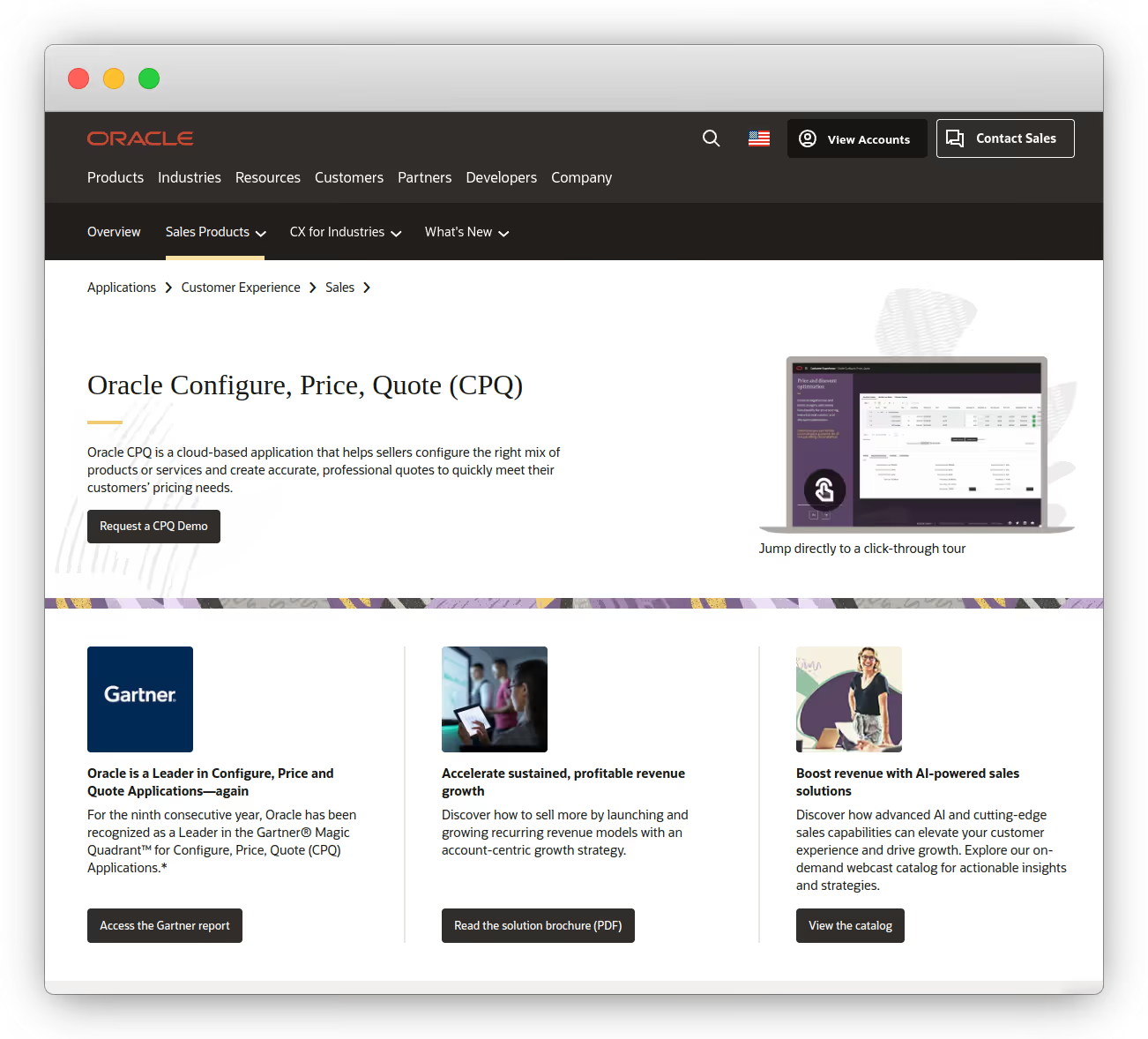
Oracle CPQ
Oracle CPQ is a good when a quote can’t drift away from operations. Think configure-to-order products, big catalogues, regional price books, and handoffs to fulfilment that need to be right first time. Oracle positions CPQ as a way to bridge CRM and ERP so quotes convert into clean, accurate orders.
Differentiators are:
Guided configuration and “guided selling” style workflows to help teams build accurate quotes faster.
Pricing controls and approvals (discounting, promotions, routing approvals).
Strong emphasis on connecting CPQ to ERP systems to keep product and pricing data consistent.
Pros:
Keeps quoting aligned with ERP-led operations so “quoted” maps cleanly to “ordered.”
Good fit for complex catalogues and configuration-heavy products.
Strong governance for pricing, discounting, and approvals.
Built for enterprise integration and downstream consistency.
Limitations:
Implementation can be heavy if your business is changing fast.
Iteration can slow down if packaging and rules change often.
Can be overkill if your main goal is a simpler buyer path.
Usually needs clear ownership to avoid becoming “set and fear touching.”
Pricing for Oracle CPQ is on a quote-basis, so you will have to get in touch with them to know how much it will cost.
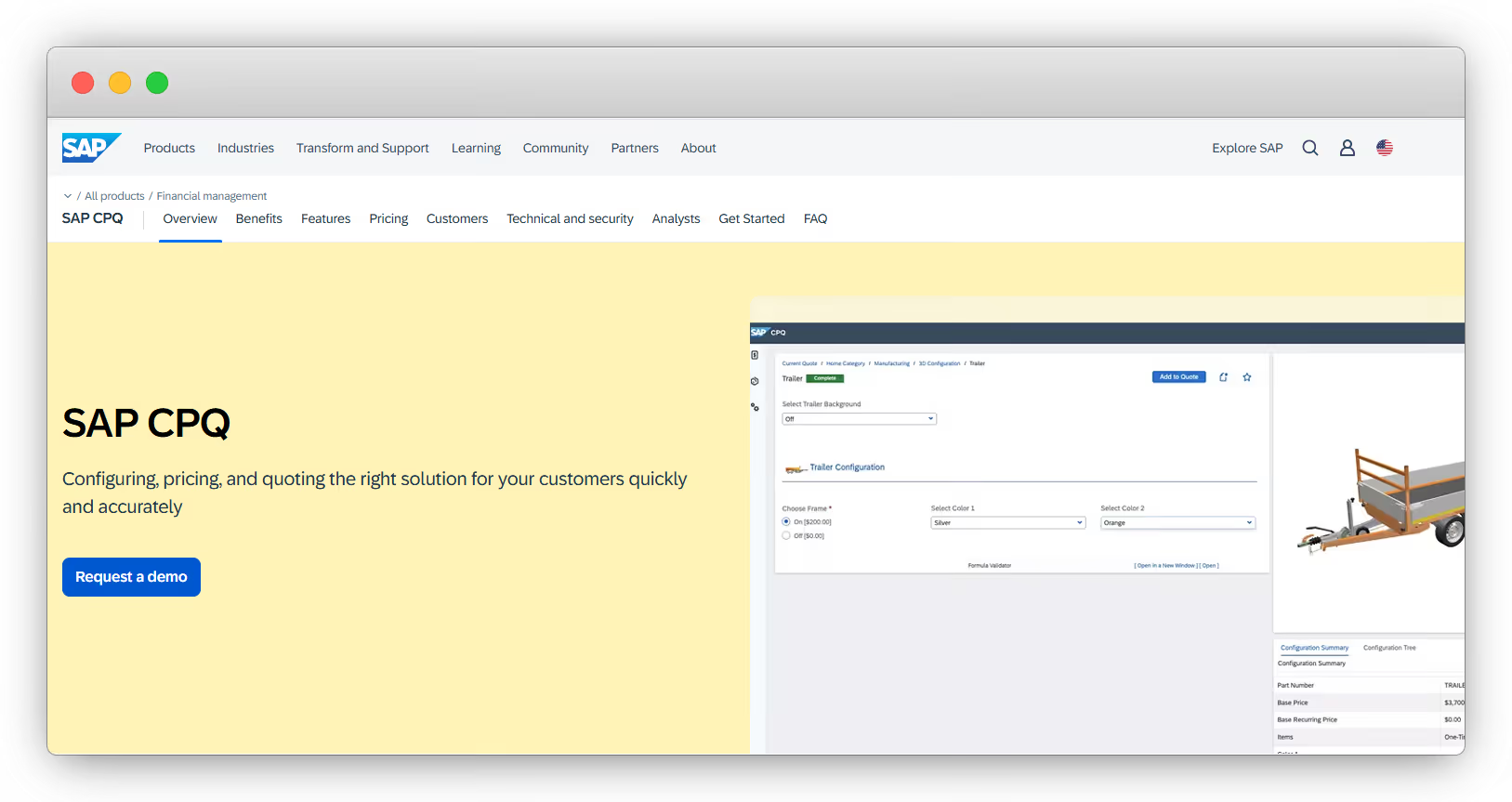
SAP CPQ
SAP CPQ is an option when quoting needs to follow the same rules as your SAP operations. It tends to work best for SAP-first organisations where product data, pricing, and constraints already live in SAP, and sales need quoting that respects those realities (not a separate system that drifts over time). SAP positions CPQ around fast, accurate configuration, margin protection, and clean connectivity into your wider stack so quotes can move into fulfilment without rework.
Differentiators are:
Configuration at scale: built to handle complex dependencies and large quotes fast (including very large quote line volumes) with automated exception and approval workflows.
Margin and discount control: rules-driven guardrails for eligibility, pricing, and discounting to prevent rogue deals and protect margins.
SAP suite connectivity: designed to plug into SAP CRM, e-commerce, and ERP environments, including integrations across SAP cloud products, and to leverage existing configuration models and ERP data.
Pros:
Strong option for SAP-first businesses that want quoting tightly aligned with SAP data and operational constraints.
Designed to reduce order errors and speed up complex quoting with automated approvals and policy-driven configuration.
Good fit for complex product offerings where margin protection and governance actually matter day-to-day.
Built to connect quoting into downstream processes so “quoted” maps cleanly to “sold” and “fulfilled."
Limitations:
The value drops quickly if you are not already running SAP-centric workflows or you can’t own ongoing changes internally.
Still needs disciplined change processes or it can become slow to adapt as packaging and pricing evolve.
Often heavier than needed if your main goal is a simpler buyer path for SaaS deals.
Integration work and cross-team alignment (sales, ops, IT) can be a real part of the project.
SAP lists CPQ pricing as user-based (for example, a standard edition priced per user per month) with minimum user commitments, so it’s worth validating your exact package and contract terms based on region and rollout scope.
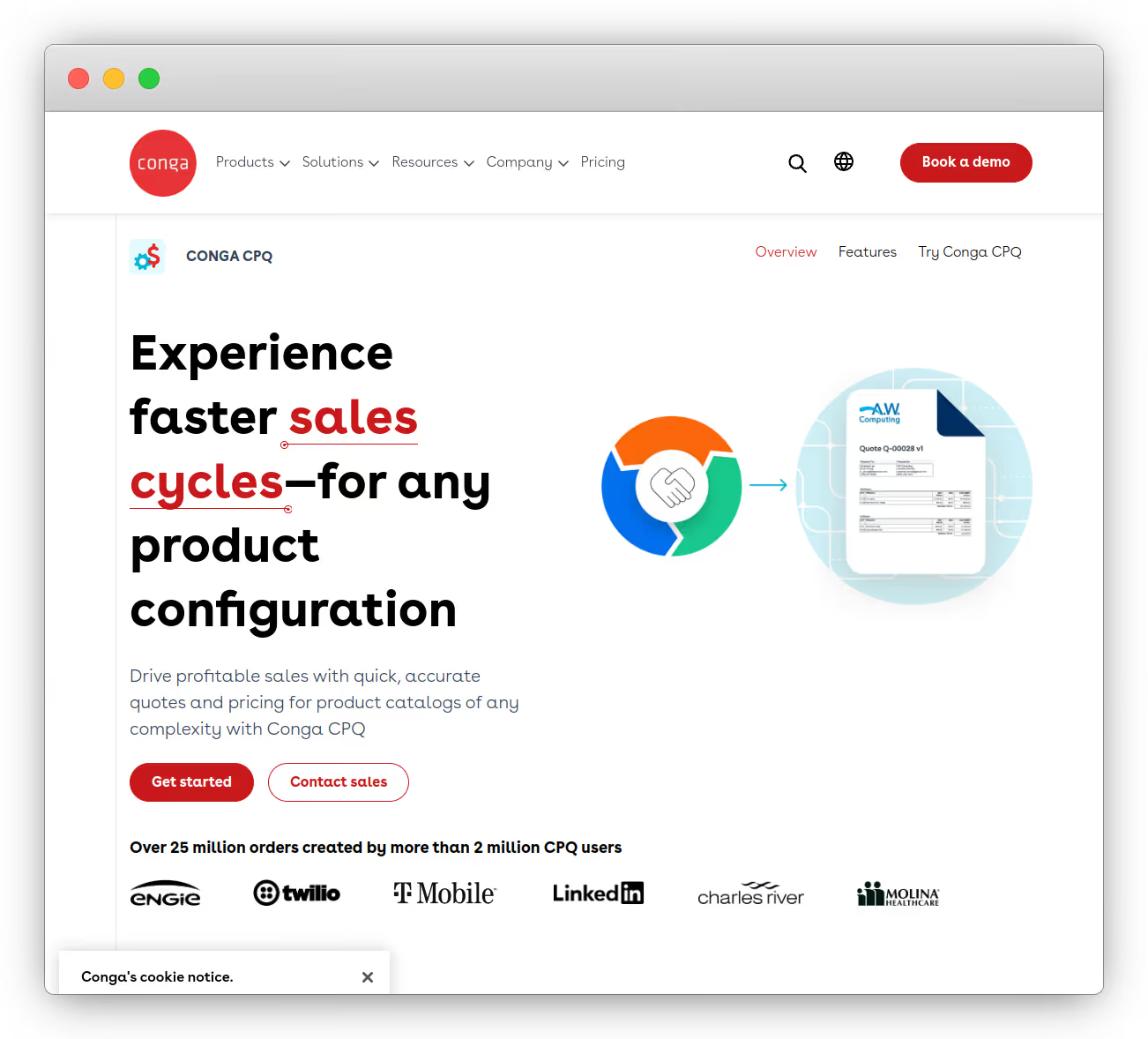
Conga CPQ
Use Conga CPQ when the quote is the contract process. It works well in organisations where legal review, compliance checks, and standardised approvals are part of how deals get done, and where quoting needs to stay accurate across complex catalogues. Conga also positions CPQ as part of a broader Revenue Lifecycle Management platform, so it’s often shortlisted by teams that want CPQ to sit alongside document generation, eSignature, billing, and CLM rather than bolting those on later.
Differentiators are:
Rule-based configuration at scale to handle complex relationships and dependencies without manual errors.
One catalogue for mixed deal types – Conga highlights quoting tangible goods, services, subscriptions, and usage-based items in one quote.
Document-first quote-to-cash – strong emphasis on automating branded quotes and proposals via Conga Composer, plus signatures from inside the workflow.
A platform approach – CPQ is framed as one piece that can connect to Conga CLM and Conga Billing as needs grow.
Pros:
Strong match for regulated, contract-heavy sales where approvals and documents drive the process.
Helps reduce pricing and configuration errors with codified rules and guardrails.
Handles complex quotes across goods, services, subscriptions, and usage in one flow.
Strong “documents + approvals + signature” story without stitching multiple tools together.
Limitations:
Can feel like “a platform for paperwork” if your main pain is speed and buyer experience.
You still need internal ownership or it becomes a system people are nervous to change.
Often more system than you need if you just want lightweight quoting.
Platform expansions (billing, CLM) can add scope and cost over time.
Pricing for Conga CPQ is quote-based, so you’ll need to request a price.
For Complex Sales Cycles
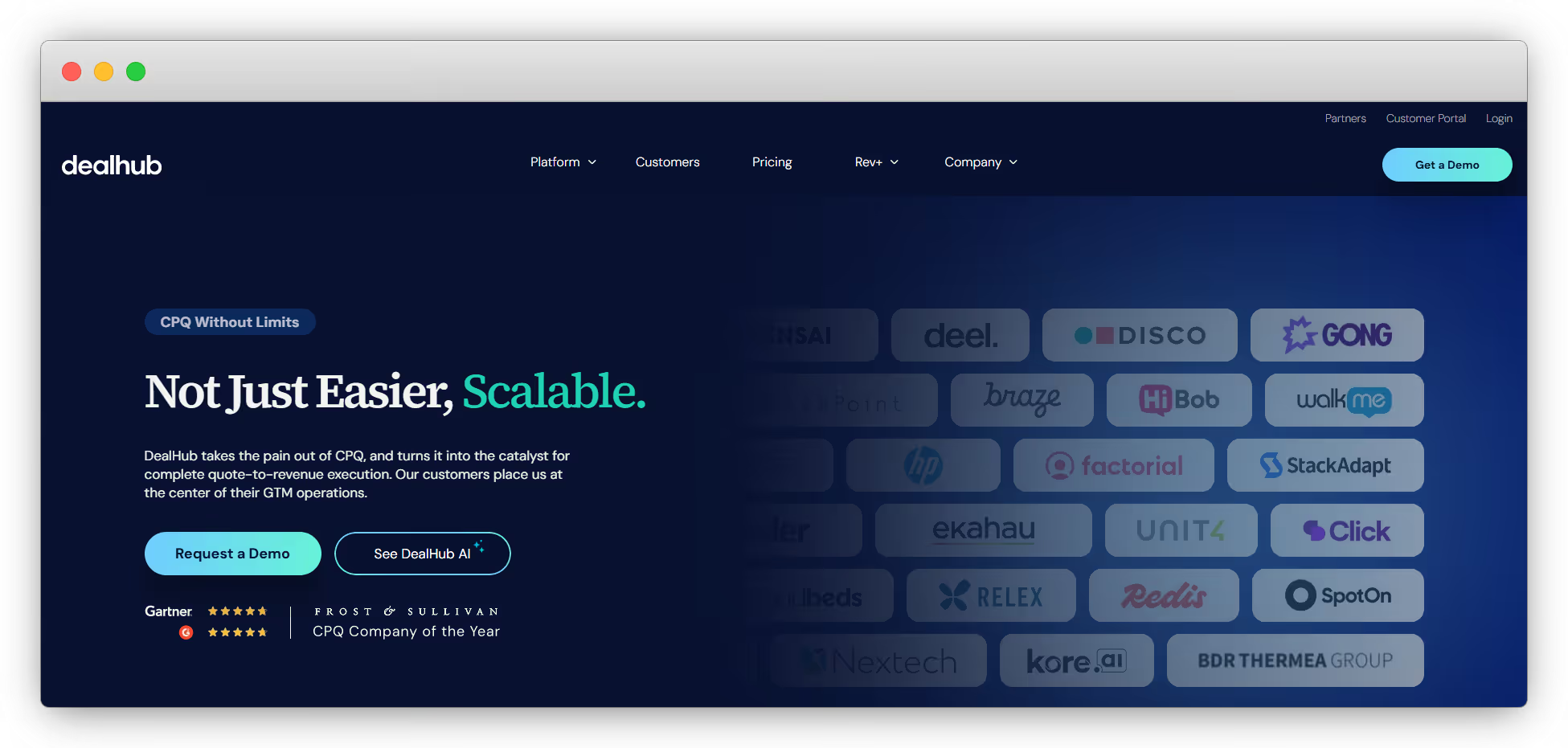
DealHub
DealHub is a good idea for when your sales cycle is long enough that quoting becomes a coordination problem. You are not just calculating a price. You are managing packaging, approvals, legal steps, version control, and internal alignment across multiple stakeholders. DealHub positions itself as a CPQ that connects pricing, approvals, and contracts, with tooling like DealRoom and guided selling playbooks to keep deals moving without losing commercial control.
Differentiators are:
CPQ is built around real deal flow: quote configuration, dynamic bundles and discounts, adaptive pricing models, and automated approval workflows.
DealRoom and “live deal metrics” style tracking so RevOps and deal desk can see what is happening without living in spreadsheets.
CPQ can be paired with CLM, subscriptions, and billing as part of a wider “quote-to-revenue” setup (especially relevant since DealHub acquired Subskribe).
Strong fit for multi-stakeholder selling where deal desk and finance want tighter control.
Clear upgrade path if you eventually need CPQ + CLM or a broader quote-to-revenue platform.
Enterprise readiness: DealHub lists ISO and SOC certifications and alignment with GDPR/CCPA.
Limitations:
It is still CPQ – you need someone accountable for keeping pricing logic and packaging tidy as the product evolves.
Can feel like “too much tool” if your process is simple and you mainly need proposals.
Scope can expand quickly if you try to boil the ocean on day one.
Custom pricing means you typically need a sales process to get to a real number.
Pricing for DealHub is quote-based, with packaged paths like CPQ+, CPQ + CLM, and a broader Quote-to-Revenue option.
Zuora
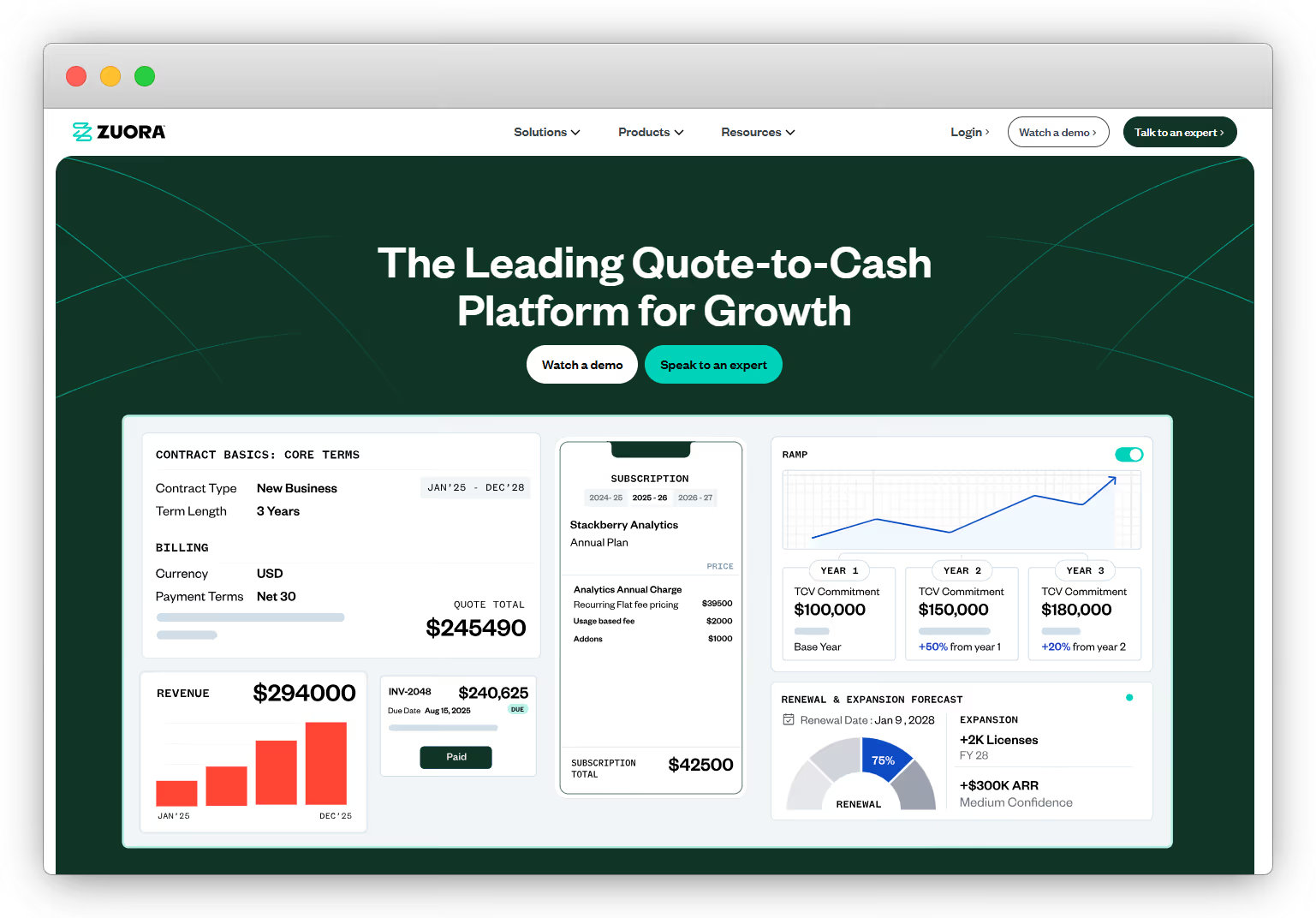
Zuora is worth looking into when billing has become the fragile part of your revenue engine. Not because reps cannot send quotes, but because finance is now dealing with upgrades, downgrades, amendments, renewals, prorations, usage overages and invoicing edge cases that are hard to keep consistent in a homegrown setup. Zuora is built for recurring revenue businesses that need a product catalogue and billing rules that can handle subscriptions, usage and one-time charges without everything turning into manual cleanup at month end.
Differentiators are:
Billing for any mix of models (recurring, usage-based and one-time) backed by a product catalogue designed for complex charge calculations, eligibility logic and amendments.
Usage metering so you can collect and bill on consumption data and give customers visibility into what they are using.
Revenue recognition automation (via Zuora Revenue) for teams that need tighter audit readiness and cleaner closes as contract complexity grows.
Ecosystem approach with CPQ available, but also integrations and APIs designed to fit into an existing stack rather than replacing everything.
Pros:
Excellent when finance needs billing, invoicing and subscription changes to be reliable and repeatable.
Handles the messy subscription lifecycle well: amendments, renewals, prorations and usage-based billing.
Strong option when revenue recognition and audit readiness start driving requirements.
Built to support growth in pricing and packaging without rewriting the whole system every time.
Limitations:
Zuora does not automatically fix quoting or the buyer experience. Many teams still pair it with a CPQ or quoting layer upstream.
More operational than “sales-first” tools, so it can feel heavy if your pain is mainly sales speed.
Implementation and ongoing ownership matter. Without clear billing ops ownership, even the best system turns into work.
Cost is usually less transparent upfront than per-seat proposal tools.
Pricing for Zuora is typically quote-based, so you will need to contact them for a number that matches your billing volume and setup.
For Salesforce-Native Requirements
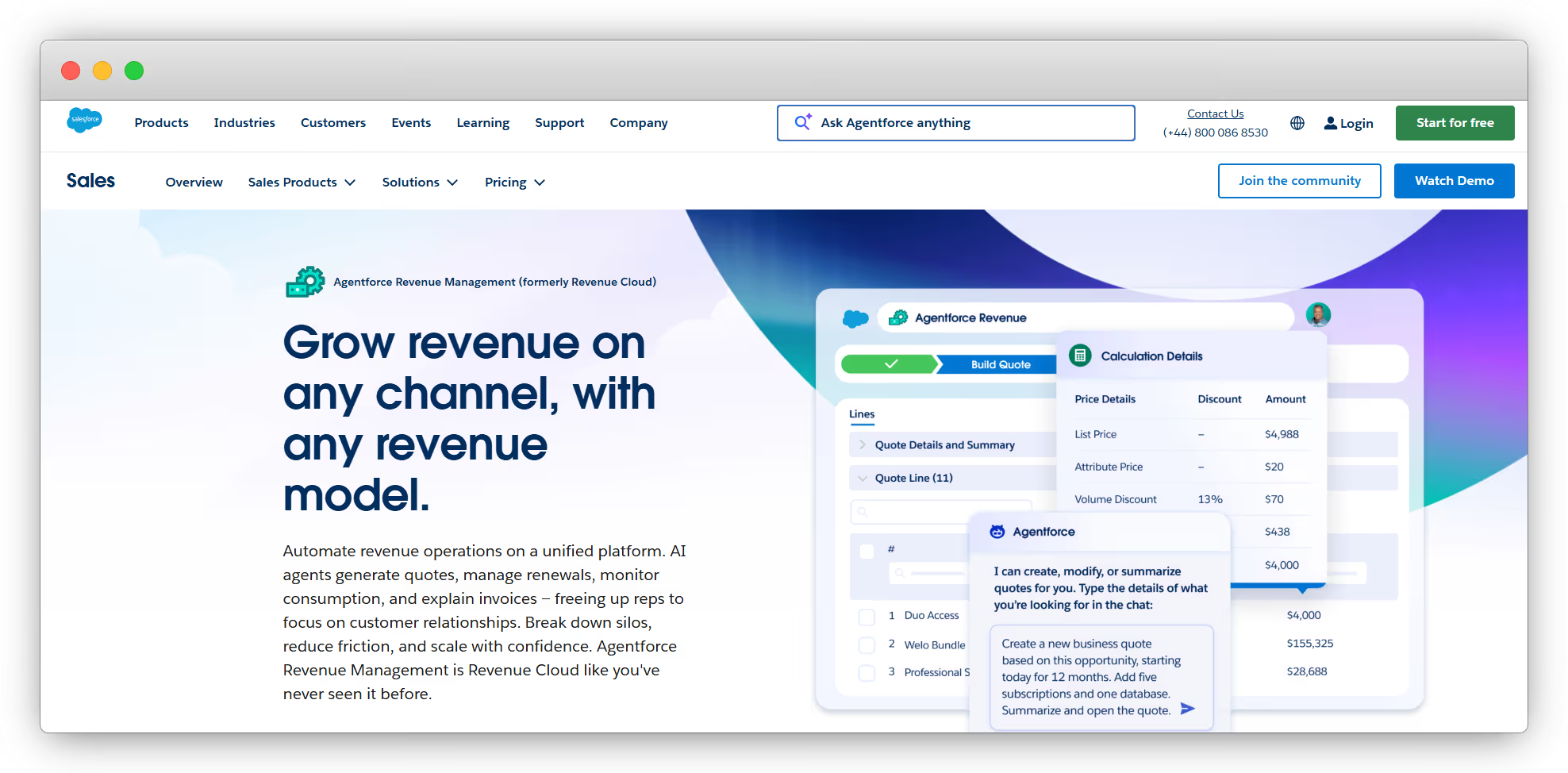
Revenue Cloud Advanced (now positioned under Agentforce Revenue Management) is the Salesforce-native option when your company has a hard requirement that revenue workflows stay inside Salesforce. The appeal is straightforward: one object model, one reporting layer, and fewer handoffs between systems. If finance, legal, or audit teams want revenue data to live where the rest of your customer record lives, this is the “keep it in Salesforce” path.
Differentiators are:
Unified product catalogue and pricing inside Salesforce, with configuration and bundling rules that help keep quotes consistent.
Subscription lifecycle management for amendments, renewals, and cancellations, with assets and entitlements tracked on the account.
Contract lifecycle support on CRM (templates, clause libraries, redlining workflows) so the quote-to-contract step is not a separate universe.
Order automation and orchestration for more complex fulfilment flows that need to translate commercial orders into downstream steps.
Revenue analytics to monitor margin, revenue performance, and subscription metrics inside the Salesforce reporting ecosystem.
Pros:
Keeps quoting, contracts, and revenue data inside Salesforce for governance, reporting, and audit comfort.
Fewer moving parts across the revenue stack if Salesforce is already your operating system.
Strong fit when subscription changes and entitlements must be tracked cleanly on the account.
Easier to enforce a consistent policy when everything lives in one platform.
Limitations:
It is not a simple “upgrade” from Salesforce CPQ. Most teams should scope it like a new implementation.
Remapping the product catalogue, rebuilding pricing and approvals, and retesting edge cases takes real project time.
Integrations built around legacy CPQ objects often need revisiting.
Time-to-value can be slower than SaaS-native CPQ tools, especially if your process is still evolving.
Pricing for Revenue Cloud Advanced is sales-led (edition and usage dependent), so you will need to speak to Salesforce for a real number.
For Simple Pricing Models
PandaDoc
PandaDoc is a good choice when your main problem is the document layer of quoting. Proposals take too long, versions get messy, and getting to signature feels like herding cats. PandaDoc gives you a more controlled way to create, send, track, and eSign proposals, with templates that stop the endless copy-paste loop. It can also handle basic quoting via its CPQ feature, pulling from a product catalogue and applying rules-based pricing.
Differentiators are:
Templates + drag-and-drop creation so proposals stay consistent and faster to produce.
CPQ-lite quoting that pulls from a product catalogue and supports rules-based pricing for cleaner quote tables.
Deal Rooms for keeping the buyer-facing “everything for this deal” in one place.
Tracking and analytics so you can see engagement and where deals stall.
Security and compliance posture (SOC 2 plus common e-sign compliance frameworks) plus SSO and an API for tighter control.
Pros:
Great for standardising proposals, speeding up drafting, and reducing version chaos.
Strong “create → sign” flow, with tracking so sales can follow up with context.
Useful when you want light CPQ behaviour without a full CPQ programme.
Solid option for teams that care about compliance and permissions around documents.
Limitations:
Not built to run subscription lifecycle complexity like ramps, amendments, renewals, or usage billing.
If pricing logic gets complex, you can outgrow its quoting depth.
You will still need a billing and subscription system elsewhere for recurring revenue.
Can become “another tool in the chain” if your goal is one unified quote-to-cash flow.
PandaDoc pricing is typically tiered and per user, with packaged plans. If you can’t find the right tier quickly, treat it as “published pricing, confirm based on features you need.”
Qwilr
Qwilr should be looked into when the biggest win is how the proposal feels to the buyer. Instead of sending yet another PDF that gets lost in an inbox thread, you send a live, web-style page that’s easy to read, easy to forward internally, and easy to say yes to. It’s also handy when you want fewer steps between “approved” and “paid” for simpler deals, because you can collect sign-off and payment from the same link.
Differentiators are:
Interactive proposal pages instead of static documents, with reusable drag-and-drop blocks.
A live link experience so you can update the proposal without resending “final_v7_really_final.pdf.”
Built-in engagement analytics so you can see when buyers are reading and what they’re focusing on.
Payment collection options (QwilrPay) that work well for straightforward, one-off purchases.
CRM and accounting integrations (plus common sales tools) so reps can send proposals from the systems they already use.
Security controls like password protection and digital signing for deals that need a bit more formality.
Pros:
Makes proposals feel modern and easier to share with stakeholders.
The live link reduces version chaos and speeds up changes during negotiation.
Analytics help sales follow up with better timing and context.
Can shorten the path from proposal to payment for smaller deals.
Limitations:
Not built for subscription lifecycle complexity like ramps, renewals, amendments, or usage billing.
Limited CPQ-style guardrails if you need strict pricing governance and approvals.
Best for simpler pricing models, not complex configuration-heavy catalogues.
Often becomes the “front-end” while billing and subscription systems live elsewhere.
Qwilr offers a 14-day free trial. Ongoing pricing is plan-based, so you’ll want to check the tier that matches how many users and payment features you need.
For Growing Sales-Led Teams
Salesbricks is perfect for when you’ve outgrown “send a quote, chase a signature, then send a payment link” and that messy middle is now slowing deals down. Stripe might still be your payment rail, but everything around it starts to sprawl – approvals in Slack, contract edits in email, invoices handled manually, and a lot of “wait, which version is the real one?” Salesbricks pulls quoting, signing, and billing into one workflow so the commercial process feels predictable again without turning into a heavyweight CPQ project.
Salesbricks uses Products → Plans → Bricks so pricing and terms stay modular and reusable across deals. That’s how you can close, sign, and pay in one motion from a single buyer link, even when details change mid-deal.
Differentiators are:
One link for the buyer: you can share a single order URL where the buyer reviews the deal, signs, and pays (card or ACH) in the same flow.
Real-time changes: if terms shift mid-deal (discount, dates, billing terms) the buyer view updates without the back-and-forth resend cycle.
Quoting + billing in one system: automate recurring invoices, reminders, and payment confirmations so “closing” doesn’t create a pile of billing admin.
Visibility for founders and RevOps: dashboards that make it easier to see what’s closing, what’s slipping, and where revenue leakage is happening.
Integrations-first: designed to sit inside your stack (CRM, accounting, etc.) rather than forcing a full rip-and-replace.
Pros:
Removes a lot of sales friction by unifying quote, signature, and payment into one workflow.
Helps teams stay consistent with guardrails and approvals without needing a dedicated CPQ specialist.
Makes mid-deal changes less painful because the buyer experience stays current without “new PDF” churn.
Good match for sales-led SaaS teams that want faster time-to-value than an enterprise reimplementation.
Limitations:
Not the best fit if you have a hard requirement that all revenue workflows must live inside Salesforce’s object model.
If you need very deep manufacturing-style configuration tied to supply chain and fulfilment, enterprise CPQs may fit better.
Finance-heavy needs like complex revenue recognition may still require complementary tooling and process.
Like any revenue system, it needs clear ownership of pricing rules and packaging to stay clean over time.
Salesbricks has tiered plans (for example, Startup and Growth tiers billed annually, plus an Enterprise tier). In practice, cost depends on plan level and how much you’re transacting, so you’ll usually confirm pricing with the team based on volume and requirements!
Pick Your Next Move With Salesbricks
If you’re selling like a real sales-led SaaS team, quoting shouldn’t feel like a second job. You need to keep pricing controlled, keep approvals sane, and make it genuinely easy for a buyer to say yes. Salesbricks is built for teams in the $500K-$10M ARR range who have outgrown Stripe’s self-serve flow but don’t want the overhead of a heavyweight CPQ program.
What changes with Salesbricks is how the deal moves. You send one custom checkout link. The buyer reviews the terms, signs, and pays in the same place. No PDF ping-pong. No separate signature step. No “now go pay over here.”
On your side, you build offers with Bricks so pricing, terms, and guardrails stay reusable and consistent. That means usage pricing and subscription changes don’t require a fragile web of objects or a couple of specialists who know how everything is wired.
Jon Festejo is a seasoned sales-operations leader and the co-founder of Salesbricks, a modern software-sales platform that simplifies and reimagines how SaaS and AI products are sold.