30% of your revenue happens while you sleep
Founders don’t buy software during business hours, they buy software when it’s most convenient for them. That often happens after hours at 9 pm, 12 am, or even

Every business handles invoices from two directions. Suppliers send you bills to pay, and you send customers invoices to collect on. Paying and collecting look like one task, but they run on separate teams, workflows, and tools. That split is why so many invoice automation roundups get it wrong. They cover one side and skip the other.
The cost gap is real. Processing a single invoice costs $9.40 on average once you add up the staff and operating work behind it. Automated invoicing can run 50% to 80% less than manual, paper-based processing.
This guide sorts tools by team size and by which side you're fixing, payables or receivables. Each one is weighed on workflow, features, pricing, and fit with your current systems, and we’ve named a best pick for every segment.
Accounts payable (AP) automation handles the invoices your business owes. Accounts receivable (AR) automation handles the invoices your business is owed. Both deal with invoices, so software vendors lump them together, but the two jobs rarely touch the same people or the same systems.
AP is the paying side. A supplier sends an invoice, someone checks it against the purchase order, routes it for approval, and books the payment. The work lives with AP clerks and the finance team, and the goal is to pay accurately and on time without overpaying or missing a due date.
AR is the collecting side. A deal closes, an invoice goes out to the customer, reminders follow if payment runs late, and the cash finally lands. This work usually sits with finance or RevOps, and the goal is to get paid faster with fewer awkward follow-ups.
Here is the quick self-test. If your day is spent chasing customers for money, you need AR. If it is spent paying suppliers, you need AP. Plenty of larger teams run both, but most growing companies feel the squeeze on one side well before the other.
This is where most roundups fall short. The typical best invoice automation software list quietly means AP and assumes the reader is buried in supplier bills. AR gets far less coverage, and B2B SaaS subscription billing gets almost none, even though recurring invoices, renewals, and failed-payment retries stack up fast on that side. If your invoices begin the moment a deal closes rather than when a bill hits your inbox, you are shopping for AR automation, and a lot of lists will steer you wrong.
Invoice automation is software that captures, checks, and processes invoices with little manual data entry. The steps look different depending on whether you are paying suppliers or billing customers, so it helps to walk through both.
On the AP side, the flow starts when a supplier invoice lands.
The payoff is speed. Manual AP teams often take more than two weeks to move an invoice from receipt to approval, and automation pulls that down to a few days.
The AR side runs in the opposite direction. Here, the trigger is a closed deal, not an incoming bill.
Accuracy matters most at the capture stage, where AI-native extraction reads invoices far more reliably than older OCR that stumbles on messy layouts.
Here’s a quick look at the features that matter for AP and AR.
Reporting is where you see the whole picture. Cash-flow forecasting shows what is coming in and going out. AR aging dashboards reveal who owes you and for how long. AP exception reports surface invoices stuck in review. DSO tracking measures how quickly customers actually pay. Real-time invoice status tells you where any single invoice sits right now.
Most platforms advertise dozens of features, but only six to eight of them change how your team works day to day. Those are the ones worth weighing.
There is no single best invoice automation tool, and any list that crowns one is skipping the real question. The right pick comes down to how big your team is and whether you are automating the paying side or the collecting side. Here is how the main options compare.

Salesbricks is a quote-to-cash platform built for B2B SaaS teams that have outgrown Stripe-only billing. What sets it apart on this list is where the invoice begins. Instead of starting life in a finance queue, the invoice generates the moment a CPQ deal closes and the customer signs, so revenue never waits on someone remembering to bill it.
From there, dunning runs on its own, sorting soft declines worth another attempt from hard declines that need a person. Deal and billing data flow straight into the tools you already run.
Key features worth knowing:
Salesbricks sits on top of Stripe rather than replacing it. Stripe still runs the card charge, while Salesbricks handles the pricing, contract, signature, and billing around it. It fits growing B2B SaaS teams that need billing to start at the closed deal. Read on for a full feature breakdown later in the guide.

FreshBooks is invoicing and light accounting software aimed at people who bill for their time. It handles everyday billing without asking you to learn a finance system.
Key features:
The trade-off is depth. They do not run approval workflows and is not built for high invoice volume, so it strains once billing gets complex. It fits freelancers, solo founders, and service businesses under about ten people sending a modest number of invoices each month.
Xero is cloud accounting software with invoicing built in, so your billing and your books live in one place. Its biggest strength is reach.
Key features:
The catch is that invoicing here is one feature inside an accounting product, not a dedicated automation platform, so heavy AR or AP work will want something purpose-built. It fits small businesses that want accounting and invoicing together rather than as separate tools.

QuickBooks Online
QuickBooks Online puts invoicing inside the accounting system many small businesses already use, which keeps billing and bookkeeping in one login.
Key features:
Two things to weigh. Per-user pricing climbs as you add seats, and the automation is lighter than what dedicated AP tools offer. It fits small and mid-sized businesses already running their books in QuickBooks who want invoicing in the same system.
Zoho Invoice is a free invoicing tool for small teams that want automation without a subscription.
Key features:
The limits are the trade-off. Integrations mostly stay inside the Zoho world, and there are no AP workflow features. It fits small teams and freelancers who need clean, low-cost invoicing and do not expect to pass the free tier.

BILL is an AP automation platform for teams that process a steady stream of supplier invoices.
Key features:
The trade-off is focus. They are built for the paying side, so its AR features are thin next to dedicated receivables tools. It fits small, mid-market, and growing finance teams that need to tame supplier invoice volume without building a process from scratch.

AvidXchange is AP automation aimed at industries that push a lot of invoices through every month.
Key features:
The trade-offs are setup and cost. Implementation can run a couple of months, and pricing rises with invoice volume. It fits mid-market businesses in areas like real estate, construction, and financial services that handle several hundred invoices or more each month.

Stampli is AP automation built around collaboration, keeping every conversation about an invoice attached to the invoice itself.
Key features:
The limit is scope. They handles payables only, with no AR or billing automation. It fits mid-market AP teams that want quick rollout and cleaner approval conversations in one place.
Tipalti is AP automation built for paying suppliers around the world across multiple business entities.
Key features:
The trade-off is complexity. It is built for payables at scale, not for AR or SaaS billing, and setup reflects that. It fits mid-market to enterprise teams managing global supplier payments who need control across entities and currencies.
Rossum is an AI-native document layer that reads invoices in many different formats and hands the data off cleanly.
Key features:
The trade-off is that they are mainly capture and extraction. It usually needs a separate AP workflow tool to handle approvals and payment. It fits mid-market and enterprise teams buried in high volumes of varied invoice formats.

SAP Concur is enterprise AP and travel-and-expense software for large finance teams running on SAP.
Key features:
The trade-off is weight. Implementation is a real project, and it is a poor fit for smaller companies. It fits enterprise finance teams that already run global travel, expense, and AP on SAP infrastructure.

Coupa is enterprise spend management with invoice automation folded into a wider procurement platform.
Key features:
The trade-off is scale and price. Coupa is built for large organizations, not for smaller teams or growing companies. It fits enterprise procurement and AP teams that want spend management sitting alongside invoice automation.

Medius is AP automation focused on moving invoices through with as little human touch as possible.
Key features:
The limit is scope. Medius handles payables only, with no AR or billing features. It fits mid-market to enterprise AP teams that want straight-through processing and fewer manual touches on each invoice.

Invoiced is AR automation for B2B companies that want customers to manage and pay invoices themselves.
Key features:
The trade-off is where the invoice starts. There is no CPQ or deal-to-invoice trigger, so creating the invoice is still a manual first step. It fits B2B companies that want stronger receivables automation and a clean payment portal for their customers.
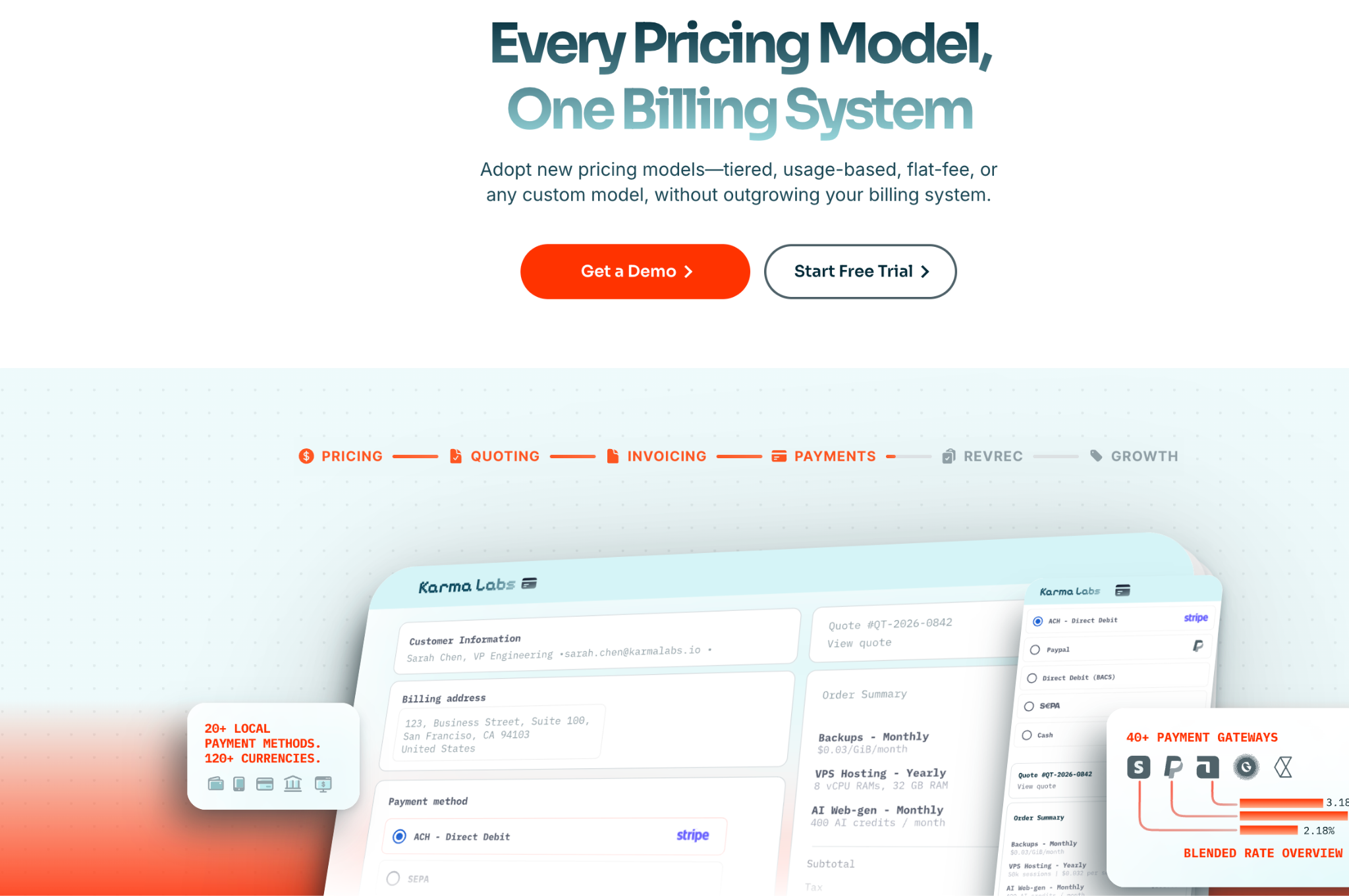
Chargebee is subscription billing software for companies running recurring revenue at scale.
Key features:
The trade-off is that Chargebee is a billing layer. It has no native CPQ and no deal-close-to-invoice automation, so quoting lives elsewhere. It fits SaaS and subscription businesses that need to manage recurring billing across many customers and plans.
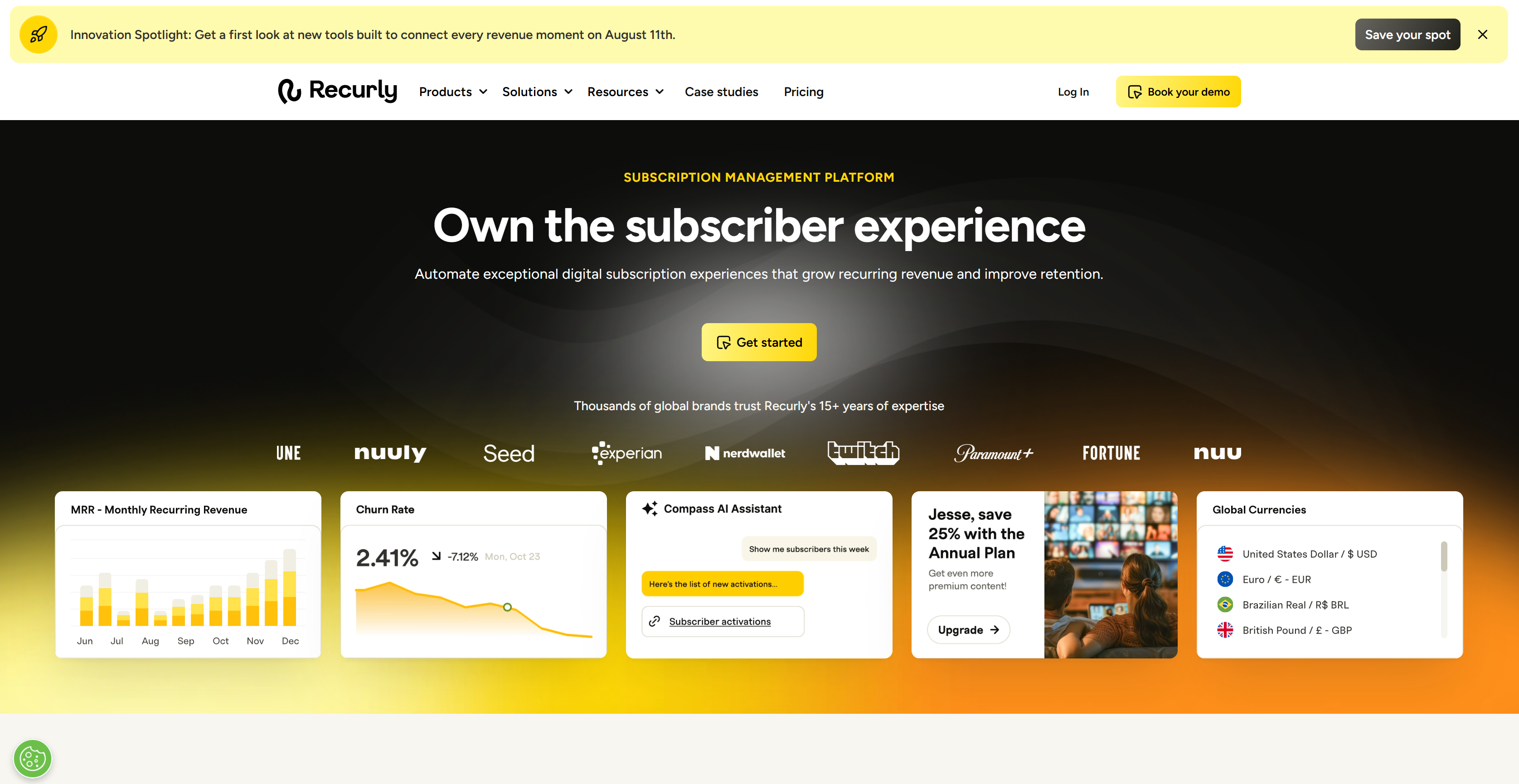
Recurly is subscription billing built around recovering payments that would otherwise fail.
Key features:
The trade-off is narrow focus. Recurly does one job well and does not stretch far beyond recurring payments. It fits subscription businesses with high volume that care most about pulling more revenue out of failed payments.

HighRadius is enterprise AR software that automates the heavy, repetitive parts of collections and cash application.
Key features:
The trade-off is size. It carries enterprise pricing and complexity, which is more than most growing companies need. It fits large AR teams automating collections and cash application across high volumes.
Invoice automation software usually follows one of four pricing models, and the one you land on shapes what you actually pay as you grow. Knowing all four upfront saves you from a bill that balloons later.
Per-invoice pricing charges a set fee for each invoice the system handles. It is easy to predict per unit, and it is common on AP tools like Tipalti and AvidXchange, though the total adds up fast once volume picks up. Percentage-of-volume pricing works in a similar way, except the fee is tied to the dollar value flowing through, so a busy quarter costs you more. Per-user pricing charges by seat and shows up on SMB tools like QuickBooks and Xero. It feels manageable early on and then quietly grows as you add people. Flat-SaaS pricing sets a fee based on your revenue band rather than seats or invoice count, and it is the go-to model for SaaS-specific billing.
The sticker price is rarely the whole story. Budget for the extras that stack on top, including implementation, integration setup, and payment processing fees. Those line items decide the real cost far more often than the monthly platform fee does.
Integration is where a lot of buyers get surprised, because the word covers three very different things. Some tools only export data as a file you move yourself. Some offer one-way sync that pushes data in a single direction. The strongest offer full two-way sync that updates in real time across systems. Ask any vendor to tell you exactly which one they mean before you sign, since the gap between them is huge in daily use.
Watch the fine print on bigger systems too. NetSuite often needs real implementation work even when a tool lists it as supported. On the AR side, a platform like Salesbricks connects to both accounting through QuickBooks and CRM through Salesforce and HubSpot, and its payment communications show how invoice delivery and reminders flow. For B2B SaaS teams, Salesbricks is the one option here where the invoice starts at the closed deal instead of a finance queue, and the next section breaks down how that works.
Salesbricks is a quote-to-cash platform that automates accounts receivable for B2B SaaS teams starting the moment a deal closes. The trigger is what sets it apart. On most tools, someone in finance has to build the invoice by hand. On Salesbricks, the signed contract does that job, so the invoice generates itself the instant a CPQ deal closes. Revenue stops depending on anyone remembering to send a bill.
Once the invoice goes out, dunning takes over on its own. The system separates a soft decline worth retrying from a hard decline that needs a person, and you set the retry schedule that suits your customers. Buyers also get a payment portal built in, so they can view and pay without a long email chain.
The data moves on its own too. Native integrations with QuickBooks, Salesforce, and HubSpot push deal and billing information automatically, which means no CSV exports and no month-end session spent lining the systems back up.
A few facts worth stating plainly.
For B2B SaaS teams, the test is simple. If your invoices should start the second a deal closes, receivables automation is what you are shopping for, and few tools begin at that exact moment. Salesbricks does.
See it work on a real deal from close to cash. Book a Salesbricks demo.