30% of your revenue happens while you sleep
Founders don’t buy software during business hours, they buy software when it’s most convenient for them. That often happens after hours at 9 pm, 12 am, or even

Buying something as a consumer is almost unfairly easy. You choose what you want at a clear price, check out, and the confirmation matches what you just agreed to.
Now compare that to how you close a B2B deal.
Your rep builds pricing in a spreadsheet. It gets copied into a PDF. The PDF goes to DocuSign. After the signature, someone sends a separate Stripe link. Then, finance manually creates an invoice. If pricing changes mid-call, you generate a new PDF and ask the buyer to ignore the previous one.
Meanwhile:
This is the part no one talks about. Most deals don’t fall apart during discovery. They die in the final mile, between “yes” and payment, where context switching, version control, and manual handoffs quietly kill momentum.
Sales order form software is meant to stop that mess. It gives you one place to capture the order, lock in the terms, and move the deal forward without five handoffs and a spreadsheet trail.
Not every tool that calls itself an ‘order form’ can do that, though. Some are basically payment forms. Others are built to handle subscriptions, upgrades, renewals, and the stuff that tends to break when your deals get more complicated.
Sales order form software transforms a buyer's affirmative decision into a structured, fulfillable order. This single tool efficiently gathers customer information, accurately calculates the total cost, and manages the subsequent action.
At the basic end of the spectrum, this looks like a polished online form with payments. It’s perfect for simple, transactional sales where every order is roughly the same and you just need clean data entry plus checkout.
As soon as your deals become more B2B-shaped, you need more than a form. Advanced sales order platforms add the pieces that usually live across five tools:
This is where sales order form software begins to overlap with quote-to-cash (the broader process that runs from quoting and contracting through billing and payment collection).
The category spans a wide range, from lightweight form builders to full quote-to-cash platforms. The right choice depends less on preference and more on your sales:
Simple forms treat every transaction as isolated data entry. Each submission becomes a disconnected record, which means the tool can’t reliably reference a customer’s previous purchases, contract terms, renewal dates, or amendments.
Full systems, however, remember customer history: when contracts started, when they renew, what was purchased, what changed, and what should happen next. Instead of exporting flat CSV rows you can’t really use, they create connected customer records you can actually work with – for example: “How many customers have SSO?”
That gap becomes critical once you deal with things that change over time:
If you’ve outgrown ‘one form equals one order,’ you’re already feeling why quote-to-cash tooling exists.
You’re usually at the point of needing sales order form software when:
There is a wide range of sales order form software on the market. Some tools are basically intake plus payment. Others sit closer to quote-to-cash, where the system can manage pricing logic, agreements, invoicing, collections, renewals, and changes over time.
The right pick depends on your sales motion. If every deal is a one-off with fixed pricing, a form builder can be plenty. If you sell subscriptions, upgrades, ramps, or usage-based pricing, you’ll want a platform that treats an order like a living agreement, not a single submission.
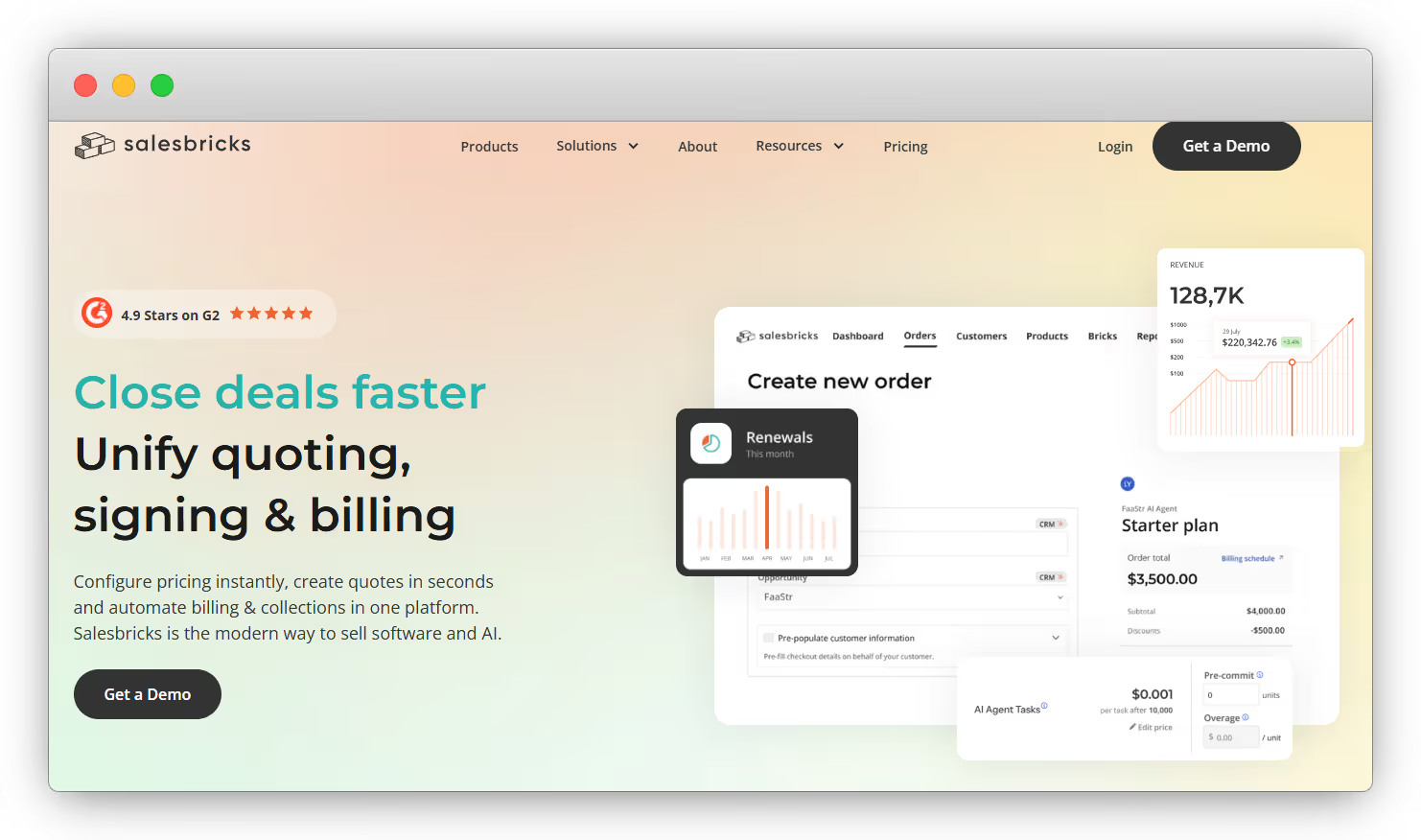
Salesbricks is one system for SaaS quoting and billing. Their positioning is unified quoting, signing, billing, and collections in one platform. It supports checkout and invoice payment flows, including credit card, ACH options, and wire transfer, and provides an invoice payment link experience for customers.
Salesbricks uses Stripe for payment processing. Stripe still moves the money.
Salesbricks manages everything around it: pricing, checkout, agreements, invoices, and ongoing subscription changes. Quotes turn into signed orders. Signed orders turn into invoices. Invoices turn into payments, without switching tools.
Its product structure is built for SaaS packaging, so you can combine plans, add-ons, usage, and multi-year terms without rebuilding your pricing every time your offer evolves.
👍 Best for: SaaS teams that want one system to run pricing, order forms, agreements, invoicing, and collections.
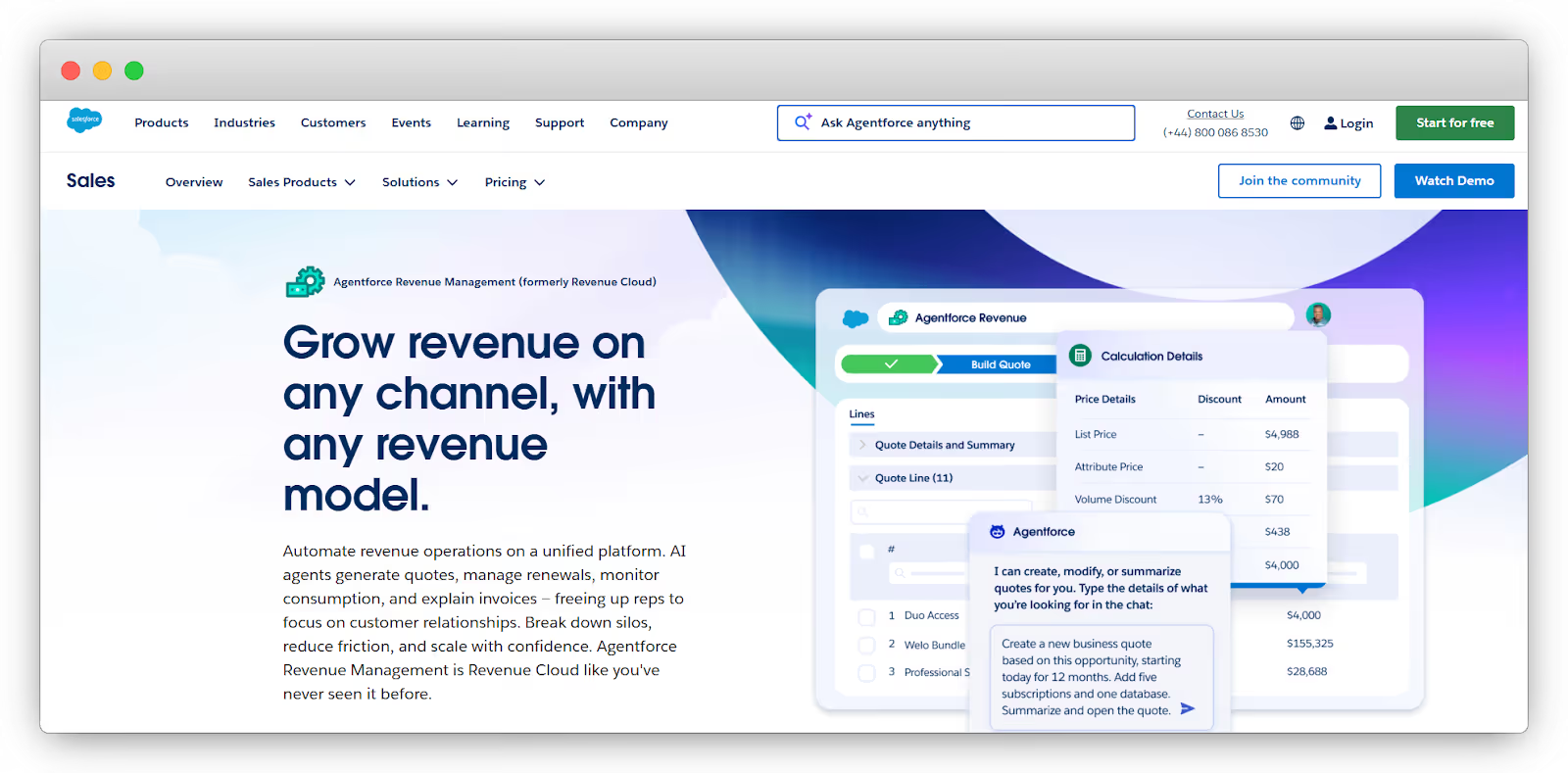
Salesforce Revenue Cloud positions itself as a complete revenue management suite across CPQ software, contracts, orders, and billing. It is a strong fit when you need deep enterprise-grade process control, complex approvals, and tight alignment with Salesforce CRM objects.
The thing that is sadly lacking here is scope. Revenue Cloud implementations tend to be heavier, with more admin and integration work to get your catalog, contracts, orders, and billing fully aligned. For teams that simply need faster quoting and cleaner cash collection without a large systems project, that can be more platform than they need.
👍 Best for: Larger organizations already standardized on Salesforce that want an end-to-end revenue stack inside the Salesforce ecosystem.
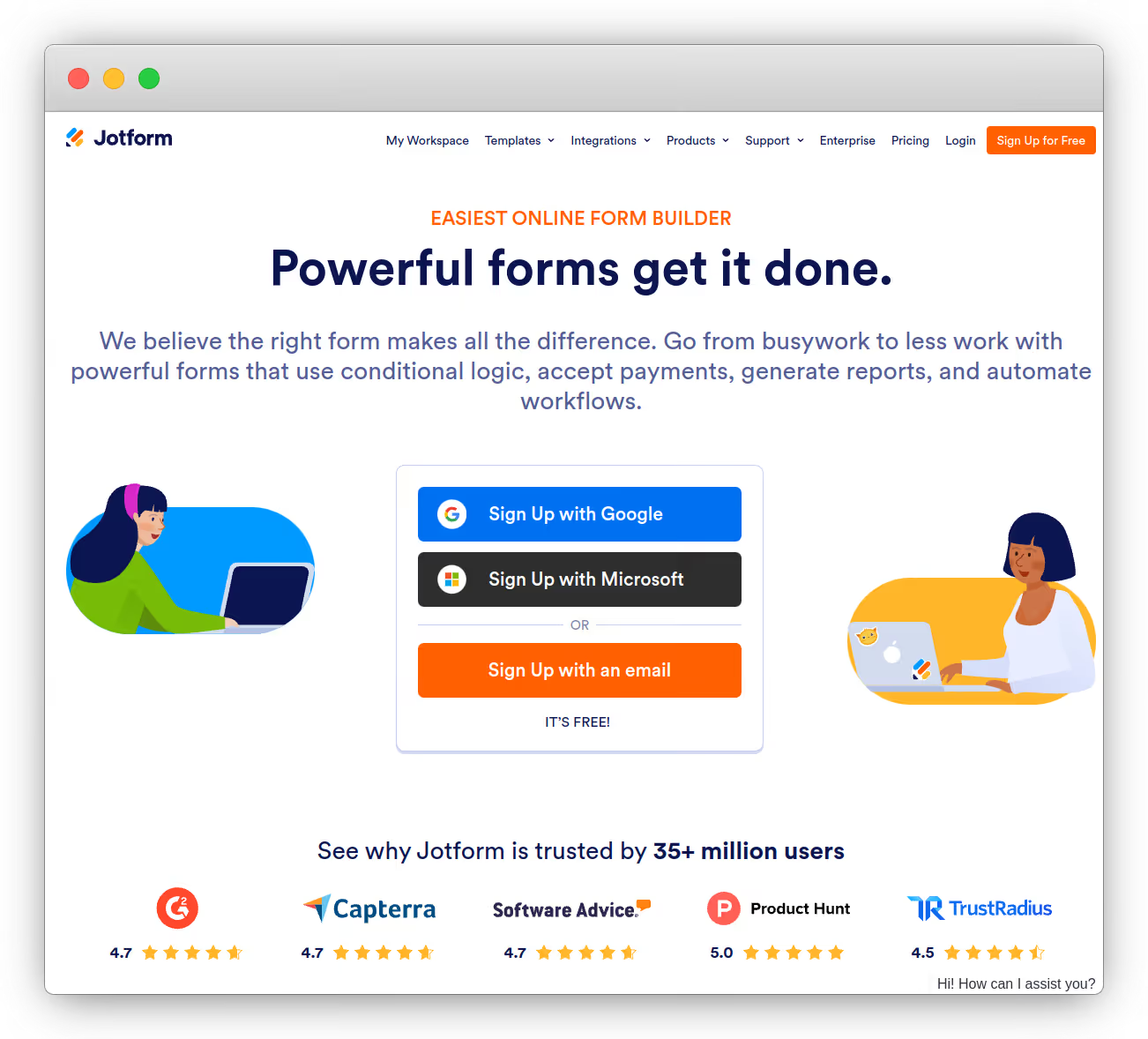
Jotform is a horizontal form builder designed to create forms and surveys quickly, with the ability to collect payments through integrations. It also supports recurring payments for subscription-style charges, which is useful when you just need a straightforward “sign up and get billed monthly” flow.
The limitation for B2B SaaS is in the state management. Submissions are treated as standalone entries rather than linked to customer accounts that track contract history, renewal dates, and amendments. This missing connection makes it difficult to cleanly automate standard SaaS scenarios, such as handling volume-based tiers, mid-term upgrades, or prorating charges for the remainder of a contract. Typically, proration logic resides in a dedicated billing system that can calculate modifications during the active subscription period.
👍 Best for: One-time, transactional sales where you never need to track customer history or manage renewals.
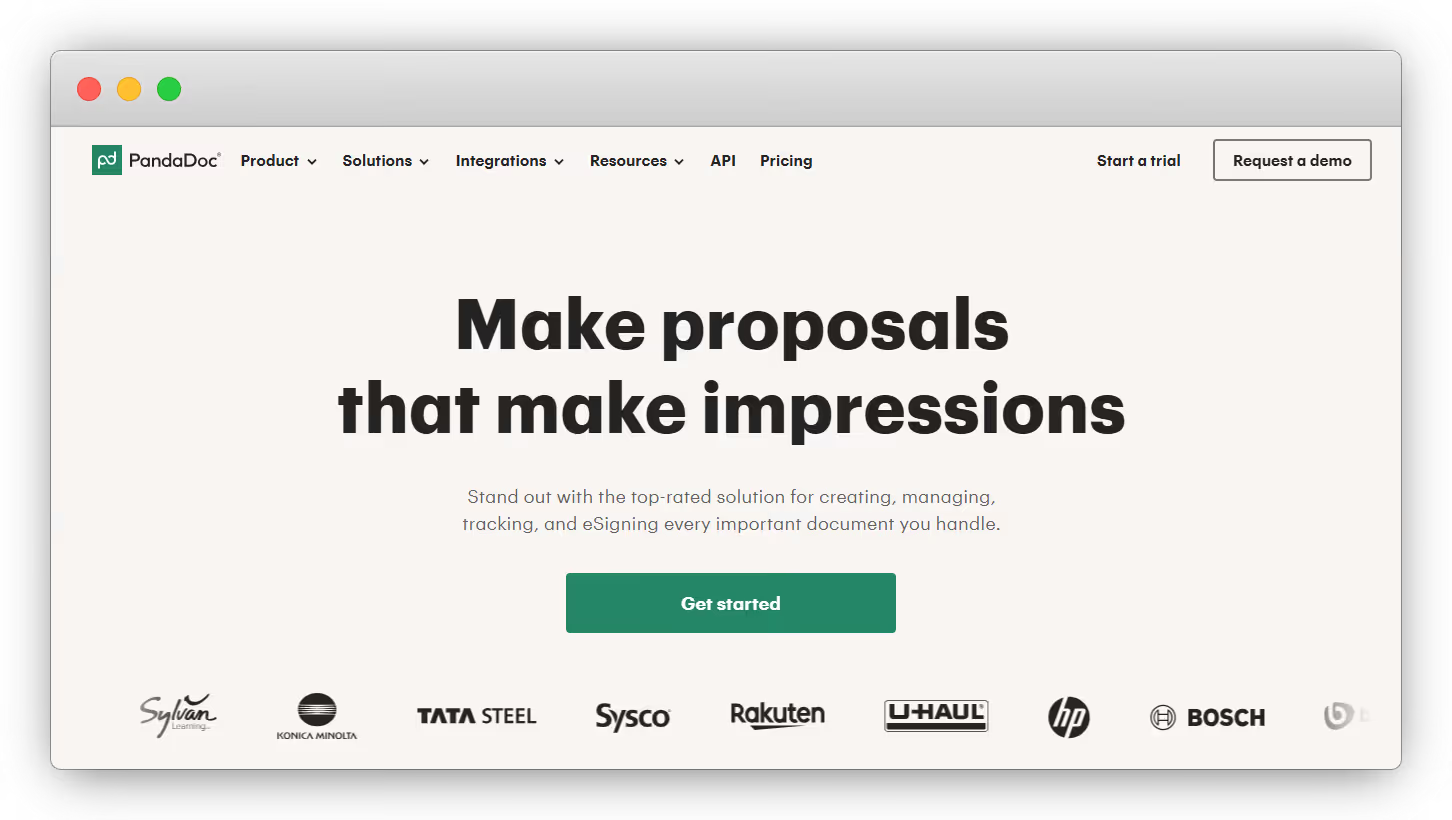
PandaDoc is best known as a document workflow tool for proposals, quotes, and e-signatures, with strong tracking and compliance positioning. It can also help you generate quotes and apply pricing rules inside the document experience, especially when paired with CRM integrations.
For sales-led SaaS teams, the issue is that PandaDoc often becomes the quoting document, while billing, renewals, and customer subscription status live elsewhere. It can take payment at signing via payment gateway integrations, which shortens the gap between signature and cash, but it is not designed to be the system of record for the full order lifecycle.
👍 Best for: Teams that want polished quotes and e-signature workflows, with billing handled in a separate system.

Qwilr is a proposal and quote platform built for buyer-friendly pages. It emphasizes “sign and pay in one” and can embed payments directly into the quote experience. With QwilrPay, you can also enable recurring payments through Stripe, which is handy for retainers or simple subscriptions.
The limitation is similar to proposal-first tools in general. You get a great front-end buying experience, but ongoing subscription management, upgrades, usage, and billing logic tend to live in the payments or billing layer rather than in Qwilr itself. Qwilr notes that recurring payments use Stripe Billing for the subscription layer.
👍 Best for: Sales teams that prioritize a slick proposal-to-payment flow, with subscription state managed elsewhere.
Most time-to-cash problems are really context-switching problems.
The established process (i.e., sending a PDF quote, obtaining a DocuSign signature, sharing a Stripe payment link, and then forwarding it to finance for invoicing and reconciliation) appears sound in theory. In practice, however, it fragments the deal across numerous tabs, logins, attachments, and version-control confusion ("Which one is the final version?"), and excessive follow-up emails. This friction causes critical momentum to be lost just before the finish line.
Salesbricks collapses those steps into a single, shareable checkout link. Your buyer opens one URL, reviews the live pricing, then completes the order inside the same flow. If you adjust pricing during a call, the pricing refreshes and updates instantly, like Google Docs for contracts. No new PDFs. No “please ignore the last attachment.”
From there, you can match the close motion to the deal:
Either way, the buyer stays in one place. That’s how you stop deals from turning into a three-day game of email tag.
This is where basic form tools tend not to be enough.
If a customer adds seats mid-contract, a generic form can capture the request, but it can’t reliably calculate the remaining term cost, update the agreement, or produce clean billing without someone performing calculations in a spreadsheet afterward. That “we’ll fix it after they pay” approach is how billing errors happen and why finance ends up correcting invoices instead of doing finance work.
Salesbricks is built around customer state, not one-off transactions. It treats upgrades, renewals, recasts, and terminations as part of a contract lifecycle, so changes are anchored to the customer’s existing dates and terms. For example, if a customer adds seats three months into a one-year contract, you can structure the upgrade for the remaining nine months, and Salesbricks updates entitlements and replaces the billing schedule based on the new terms.
If you need to replace the current contract (dates, terms, or product), you can do a recast and carry forward what’s already been billed or paid as a prorated discount, instead of forcing your team to reverse-engineer the numbers.
This results in fewer “finance will reconcile it later” conversations, faster invoices, and cleaner books.
A lot of teams try to duct-tape this together with middleware. It works until a field changes, a workflow fails silently, or someone realizes two systems disagree on what was actually sold.
Salesbricks keeps the data path short by integrating directly with the tools most teams already live in:
Because Salesbricks becomes the system of record for your orders and billing, it’s built with enterprise-grade security in mind. The platform is SOC 2 certified, so customer data, contracts, and payment workflows meet the compliance standards buyers and finance teams expect.
That’s the “graduate from Stripe” moment. Stripe is the card reader. Salesbricks is the POS system that closes the deal and keeps everything downstream consistent.
If you’re somewhere between $500K and $2M ARR, you’ve probably hit the awkward phase where deals are real money, but your process still looks like a patchwork of spreadsheets, PDFs, and “quick” one-off exceptions. That’s where revenue leakage shows up – slow collections, inconsistent terms, billing fixes, and a constant sense that closing is harder than it should be.
At the same time, traditional enterprise CPQ can feel like the wrong answer. You don’t want a 6–18 month implementation just to send cleaner order forms and stop chasing signatures and payments across five tools.
Salesbricks gives you enterprise-grade quoting and order workflows through a consumer-grade buying experience, so you can launch in days, not months, and start sending a single deal link that buyers can review, sign, and pay.
Schedule a demo to see Salesbricks configured for your pricing model – and start closing this week.