30% of your revenue happens while you sleep
Founders don’t buy software during business hours, they buy software when it’s most convenient for them. That often happens after hours at 9 pm, 12 am, or even
You’ve agreed on terms, pricing is set, and the scope is crystal clear. But somehow, the deal still isn’t done… why? Deals get stuck in legal reviews, finance reviews, and endless back-and-forth emails. The most successful teams speed up the final stretch – getting deals closed when they should be.
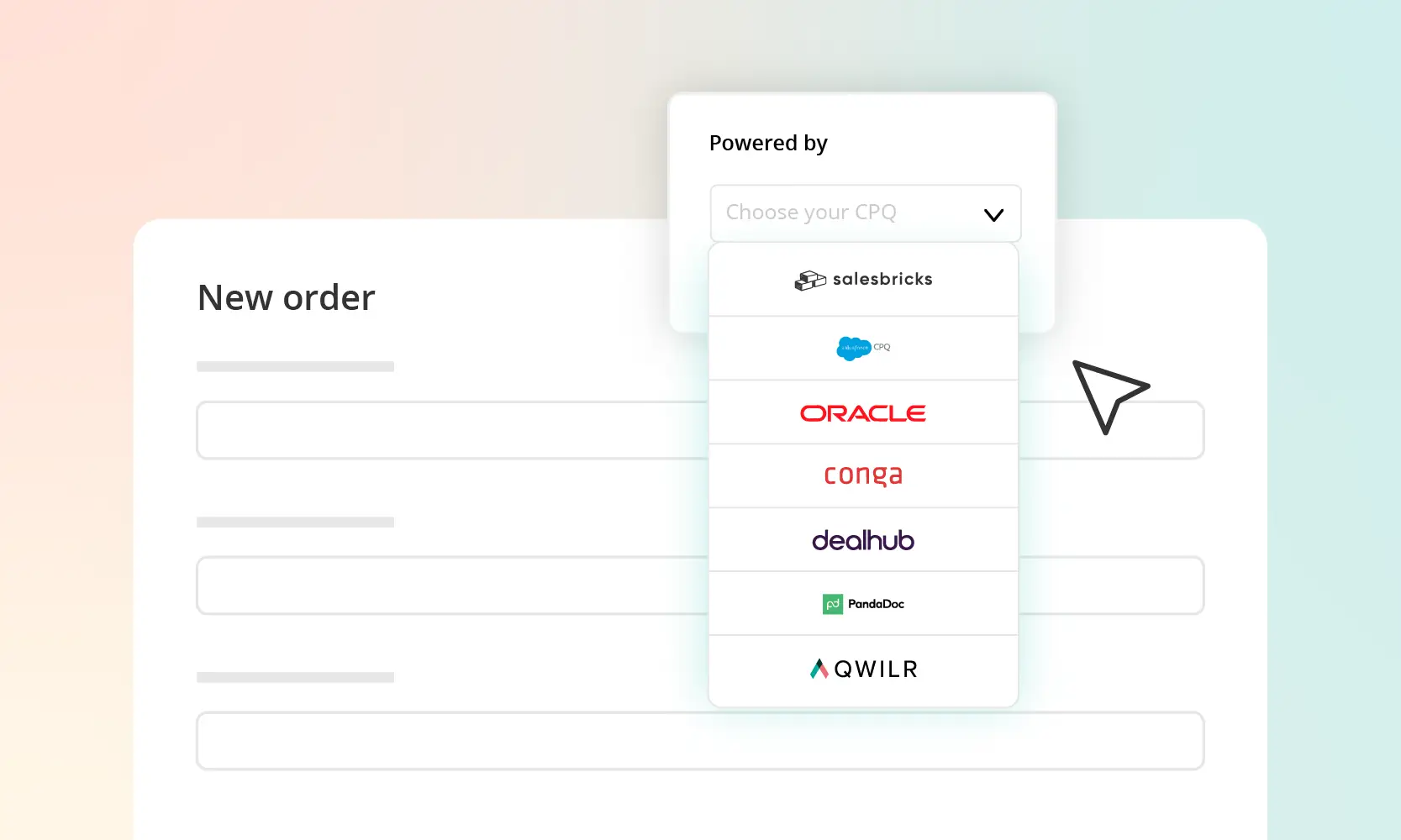
We’re going to take a look at six CPQ platforms that help speed up the quote-to-contract process. From tools that get startups up and running in days to enterprise solutions that handle global complexity, we’ll show you which platforms can make the difference between losing time and closing faster.
The right CPQ tool can drastically cut down the time it takes to move from a verbal yes to a signed contract. Here are six top tools:
Stripe is fantastic for payment processing and basic billing, but it’s not a full-fledged CPQ. If you’re creating custom quotes, negotiating terms, or managing anything more than simple self-serve checkouts, Stripe won’t cut it. If you have a sales-led motion, you’re probably buying 3-4 tools to sit on top of Stripe. For sales teams that customize deals, they’ll need a dedicated CPQ platform to streamline quoting, enforce pricing rules, and manage approvals effectively, before the payment process even begins.
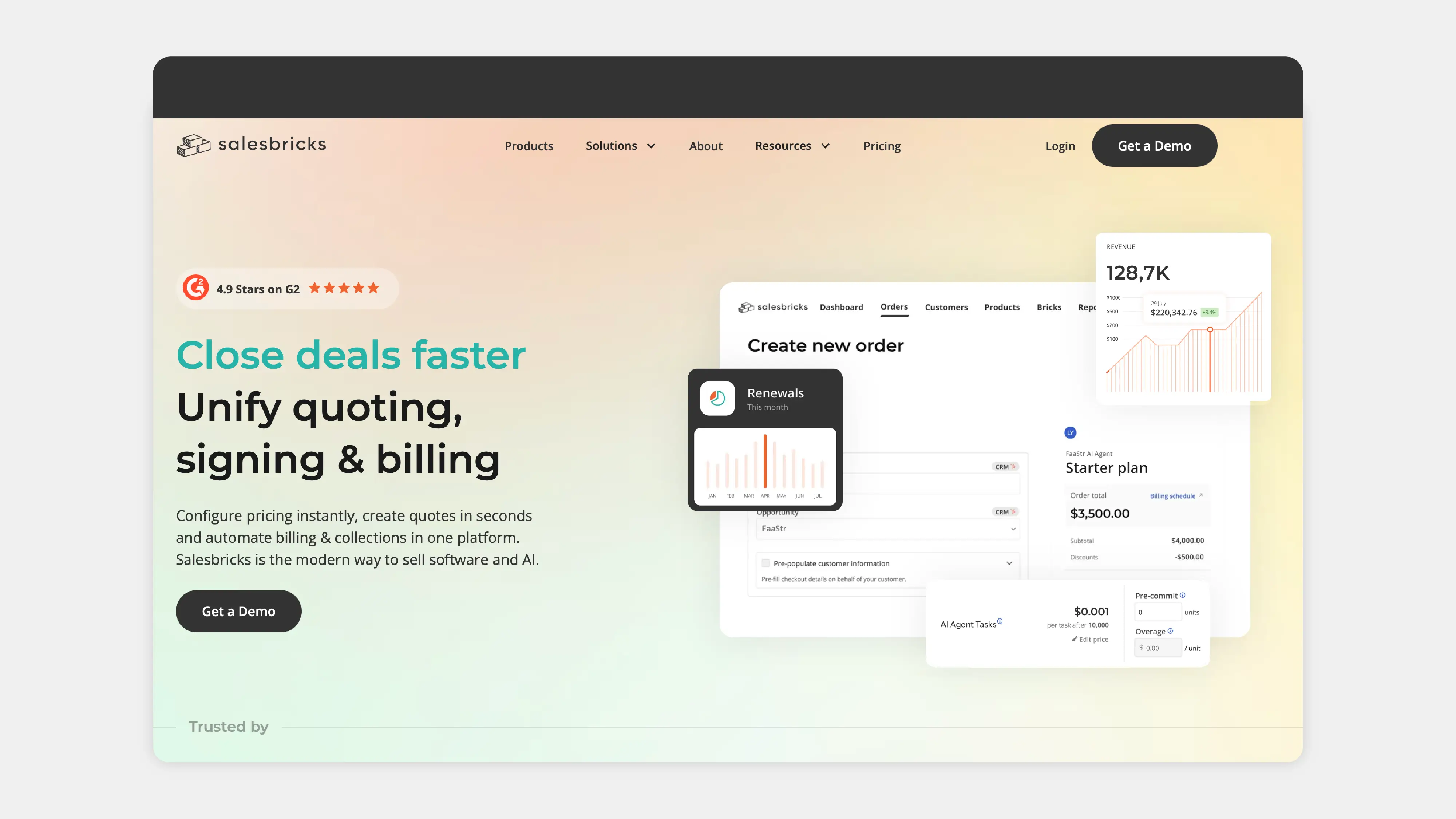
When you're a SaaS company, every minute is precious. We get it – you’re juggling a million things at once, and the last thing you need is a slow, complicated sales process. Salesbricks is built to help you close deals faster without the issue of enterprise-level systems and implementations. It gives you a unified quote-to-cash solution, so you can create dynamic checkout URLs with bespoke offers for each customer – allowing buyers to review, sign, and pay in one smooth, hassle-free motion. No more jumping between tools or losing time in back-and-forth emails and redlines.
For founder-led teams and lean RevOps functions, Salesbricks offers all the benefits of CPQ (contract workflows, pricing rules, and professional proposals) without the administrative burden of traditional enterprise systems. Implementation takes just days, and you can get your first quotes out in hours with straightforward pricing models.
With Salesbricks, you’re giving a clean, frictionless buying experience to your customers. Buyers can adjust pricing in real time, sign electronically, and pay immediately, while your system automatically provisions access!
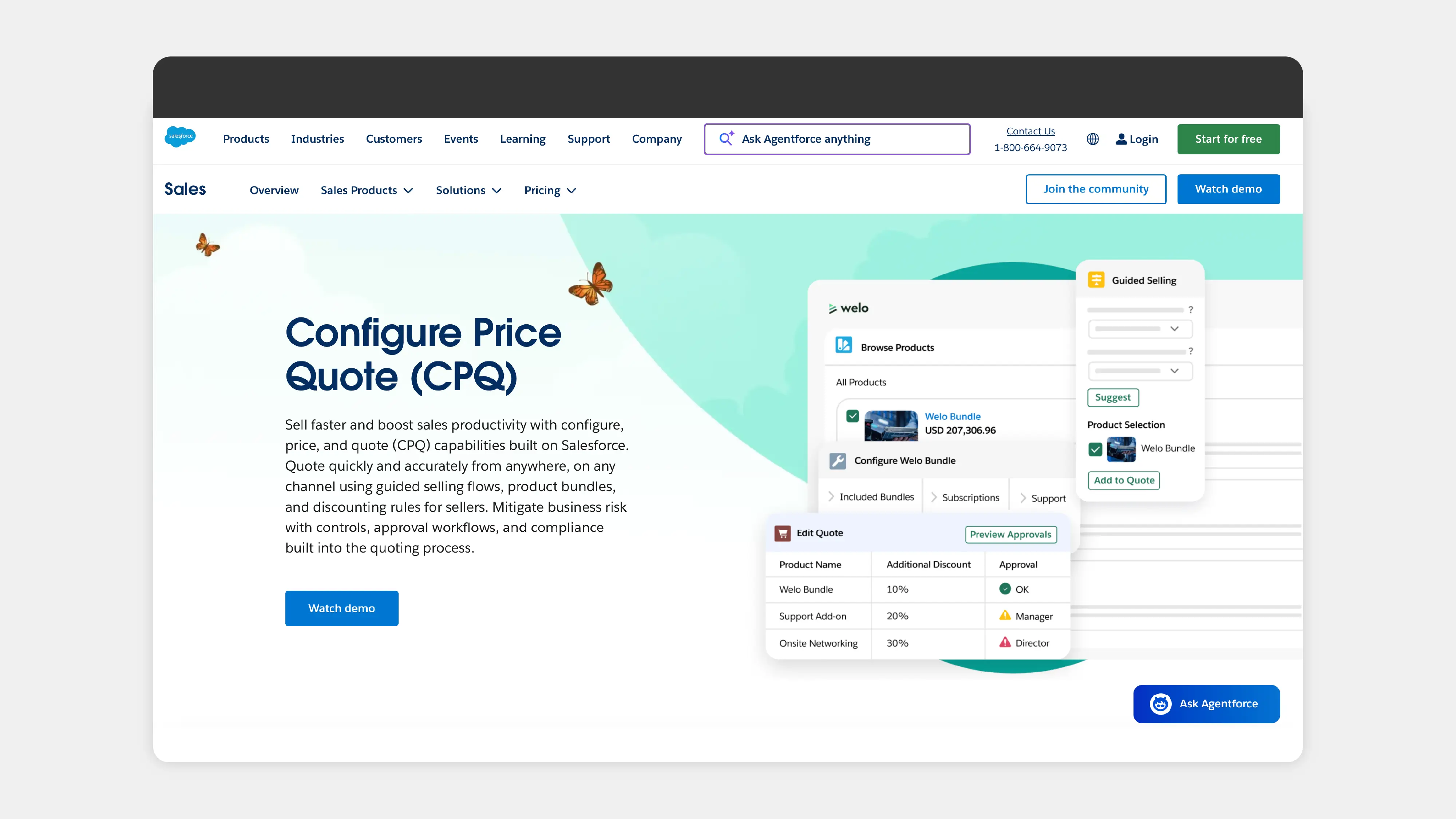
For enterprise companies already using Salesforce, Agentforce Revenue Management is an option. Built natively on Salesforce, it connects closely with Salesforce CRM and a wide range of third-party business systems, while supporting advanced approval processes, pricing models, and product configurations.
Agentforce Revenue Management is typically implemented over several months and is often managed by teams with existing Salesforce experience. More complex deployments can require additional planning, configuration, and documentation, particularly when working with large product catalogs or custom revenue workflows. Organizations without dedicated Salesforce administrators may find ongoing management requires a greater level of platform knowledge.
For SaaS businesses, the implementation timeline and operational overhead may be more than is needed. While it can support complex sales and revenue processes, teams should expect a structured setup process and a learning curve that may not suit companies looking to get a CPQ system live quickly.
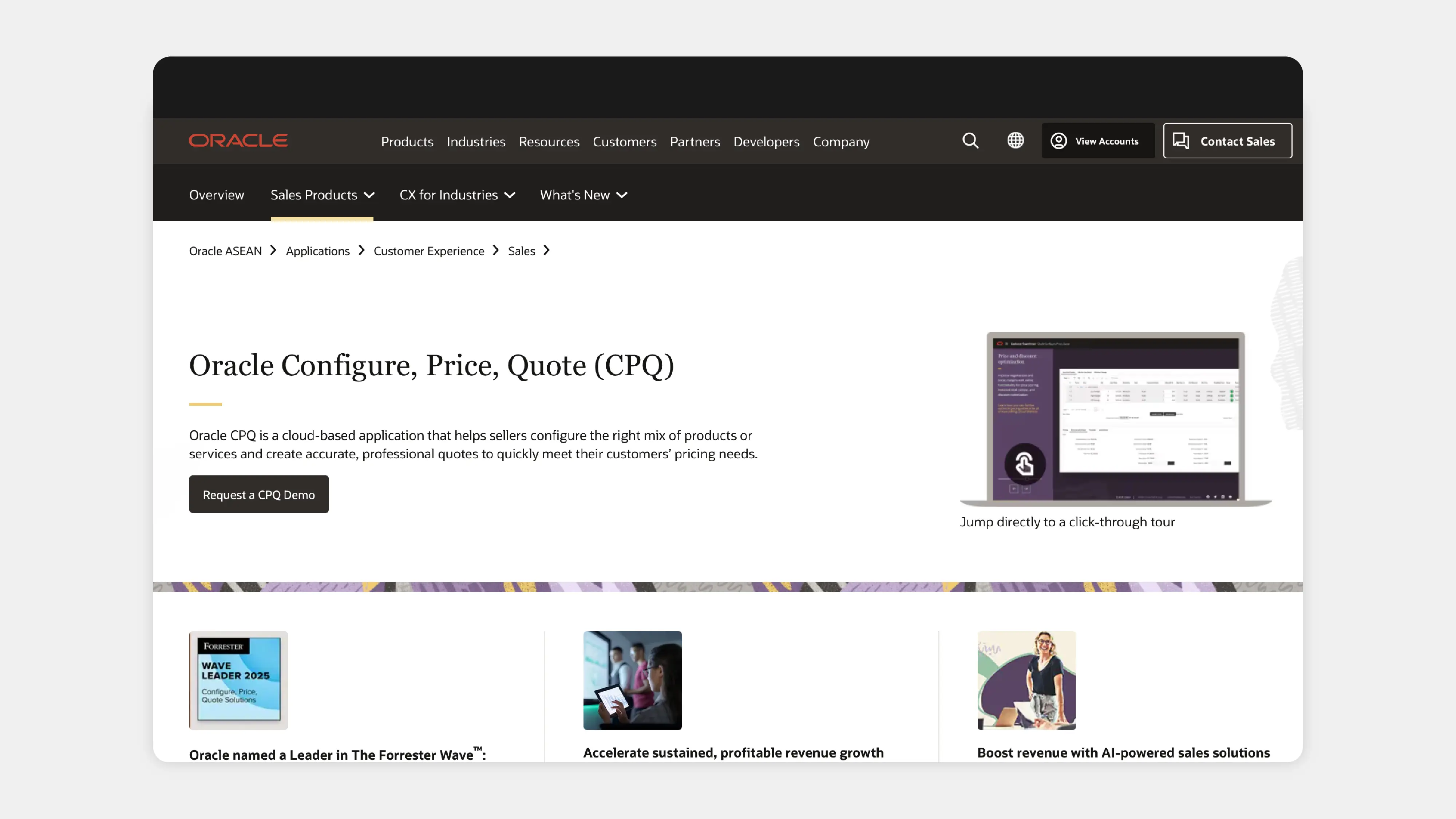
Oracle CPQ is designed for large enterprises that require deep product configurations and integration with ERP systems. It’s commonly used by businesses with global operations, large SKU catalogs, and established IT teams. Oracle CPQ connects with more than 20 ERP systems, including Oracle E-Business Suite and Microsoft solutions, while also offering pricing optimization, deal analysis, and margin management tools.
Its support for complex pricing models, including usage-based and tiered pricing, makes it suitable for organizations with more advanced sales processes. However, Oracle CPQ is typically a long-term implementation project, with setup, customization, and pricing rule configuration often requiring dedicated technical resources. Teams should also expect a learning curve, particularly when managing more complex product catalogs and workflows.
For most startups still refining their pricing fit, Oracle CPQ may be more software than they need. While it offers extensive functionality, the implementation timeline and ongoing administration requirements tend to make it a better fit for larger organizations with established operational processes.
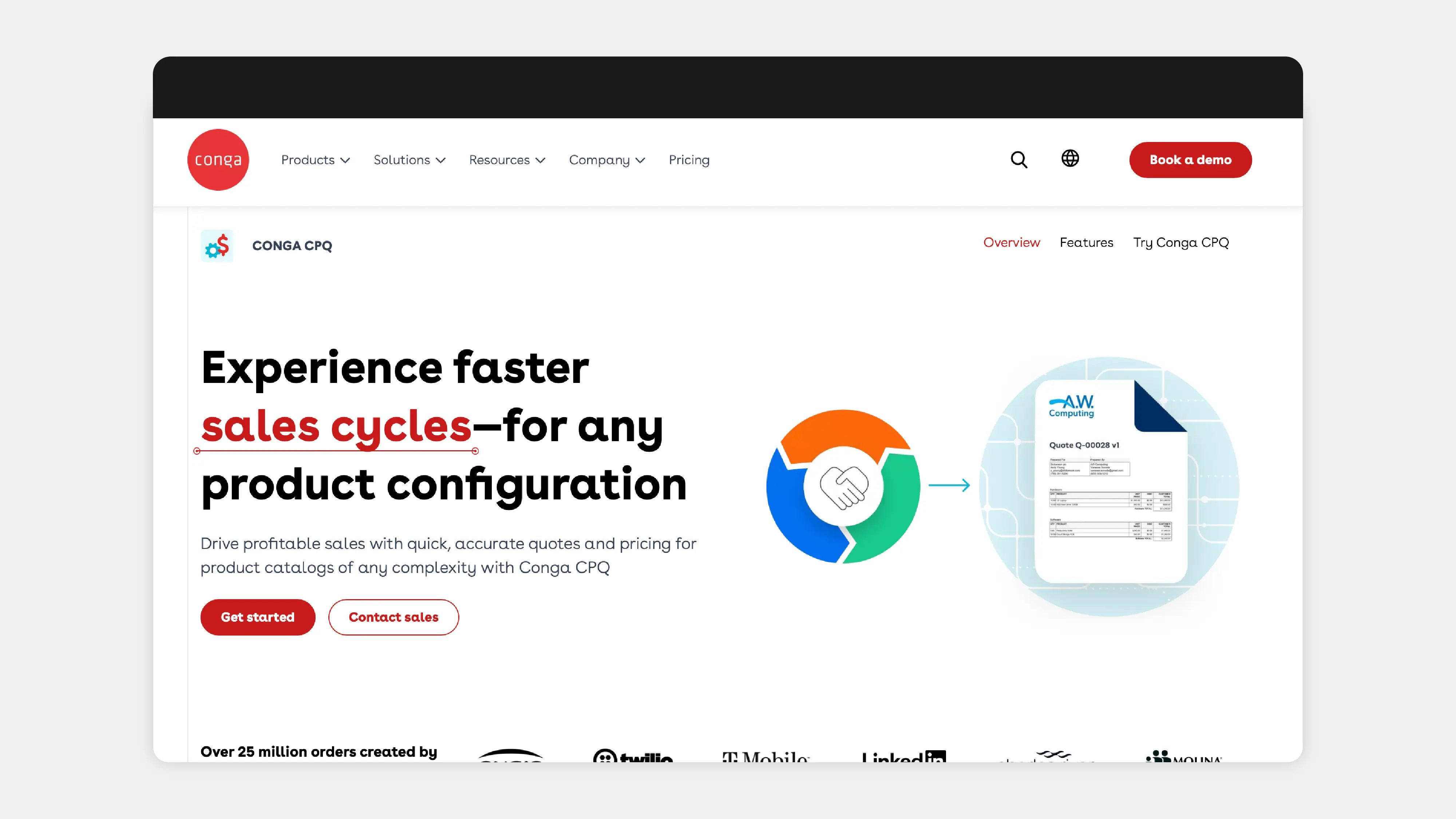
Conga CPQ is designed for enterprises already deep in the Salesforce ecosystem, particularly those with complex, document-heavy workflows. It integrates closely with Salesforce and includes features for subscription management, automated renewals, contract generation, and revenue lifecycle management.
Conga CPQ is commonly used by companies that manage large volumes of contracts, subscriptions, and sales documentation. Implementations often involve significant configuration and ongoing administration, particularly for organizations with more complex pricing structures or approval processes. Teams should also expect time for training and onboarding, especially when working with advanced configurations and custom workflows.
While Conga CPQ is great in detailed document management, its heavier, more intricate setup makes it less suitable for startups or smaller businesses that need a simpler, more streamlined approach to quote-to-cash.
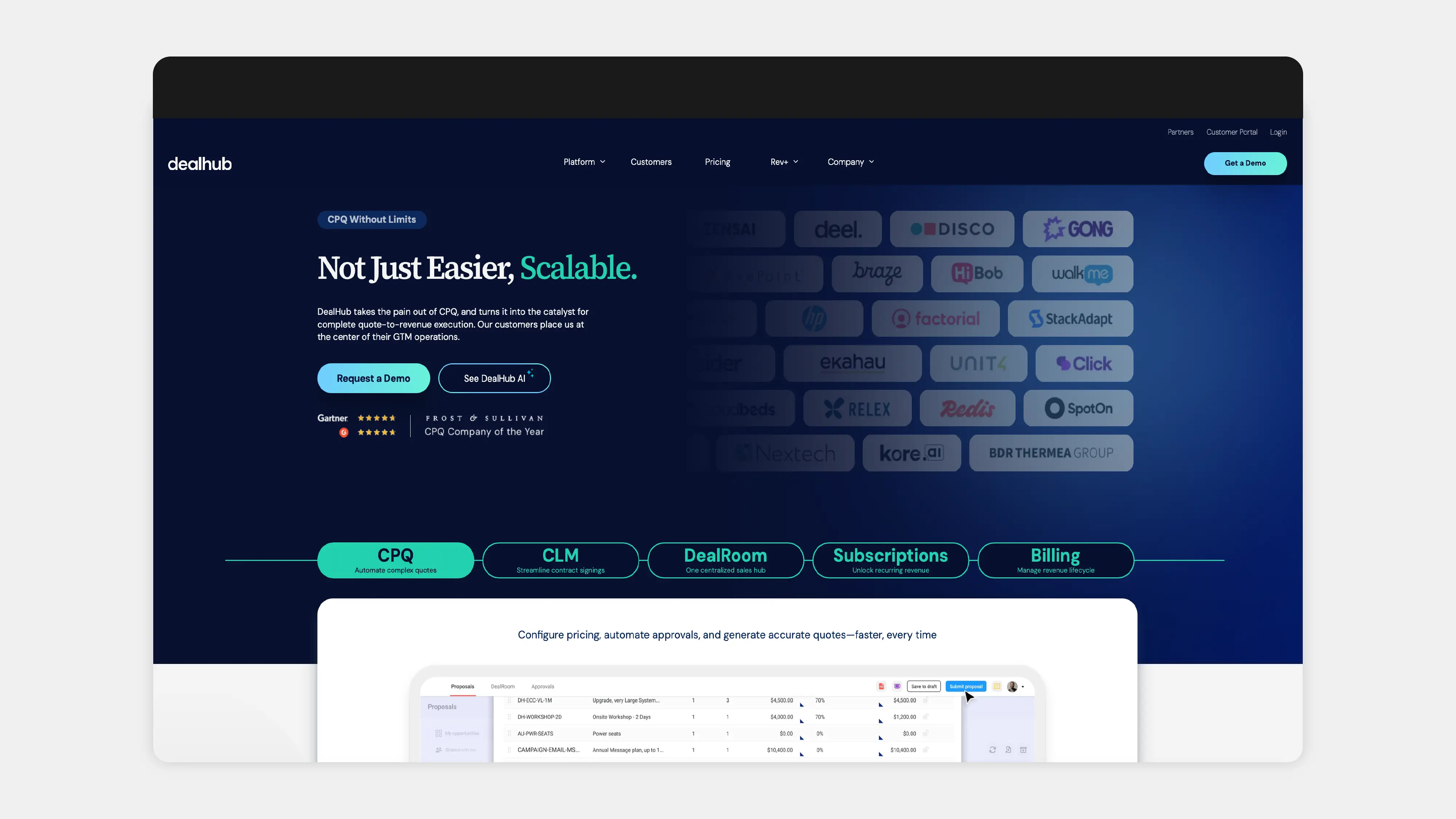
DealHub is a solution that combines CPQ, CLM, and billing, while also providing guided selling features to support the quoting process. It’s a no-code platform, which may appeal to teams looking to manage updates without developer involvement, although organizations requiring deeper customizations may find the available configuration options more structured.
With an implementation time measured in months, DealHub offers a moderately lengthy setup compared to legacy enterprise CPQ systems, and organizations should expect some onboarding time to become familiar with the platform’s workflows, integrations, and configuration options.
DealHub is primarily used by mid-market companies with growing sales operations. For SaaS businesses under $10M ARR, the breadth of functionality may be more than is required, while organizations with complex environments should expect additional planning around integrations, configuration, and ongoing platform management.
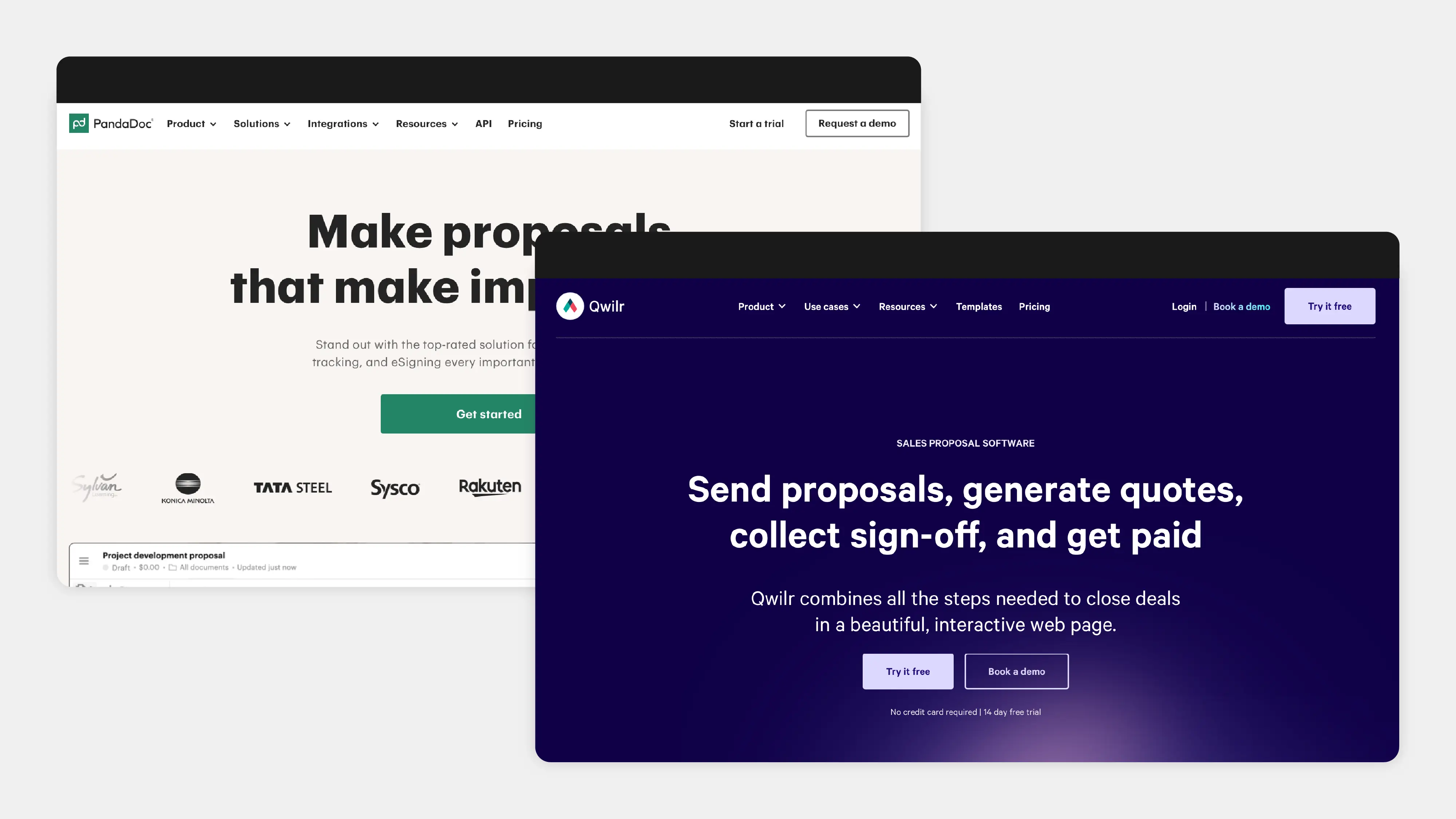
PandaDoc and Qwilr are proposal management tools rather than full quote-to-cash platforms. PandaDoc integrates with HubSpot and Salesforce and is commonly used for creating, sending, and signing sales documents. Qwilr focuses on interactive, web-based proposals with analytics for tracking buyer engagement.
Both platforms streamline front-end document workflows, allowing teams to create professional, branded proposals quickly. PandaDoc users may need to work around limits in editing, formatting, signature handling, and some missing document controls. Qwilr users may also need to plan around limits in customization, layout control, integrations, and more advanced proposal features.
For teams that only need proposal creation and document signing, these tools can cover the basics. For companies managing complex pricing, subscriptions, approvals, or board-level ARR reporting, a full quote-to-cash platform is usually the more appropriate fit.
Choosing the right CPQ tool depends largely on your business’s stage and needs. For SaaS businesses, a tool that’s easy to implement, flexible, and aligned with your sales motion is key. Traditional enterprise CPQ platforms may be too complex, expensive, and time-consuming for startups that need a quick setup and scalable solution.
When choosing a CPQ, look for pricing rules, approval workflows, and subscription management features that integrate with billing. Many enterprise CPQ tools generate quotes while leaving billing systems to maintain separate product catalogs, which can create issues when trying to sync pricing and configurations.
For SaaS companies, managing usage-based billing can be particularly cumbersome with traditional CPQ. Multiple steps, manual syncing, and rigid systems often prevent you from experimenting with flexible pricing models as you search for the right product-market fit. This rigidity makes it hard for early-stage companies to adapt pricing strategies quickly.
Traditional CPQ platforms typically charge on a per-user, per-month basis, but the upfront costs don’t stop there. You’ll also face implementation fees and ongoing costs for consultant support, especially when you need to make complex updates to pricing rules or product catalogs.
Base pricing may seem affordable, but keep in mind that SaaS pricing models often require deep configuration work, and adding customizations to your CPQ system can drive up the total cost. While quick-start packages can get you up and running on standard setups, for fully functional enterprise CPQ deployments, you could be looking at several months of setup and substantial implementation fees.
By the time you factor in consultant fees and the long implementation cycles, license fees are only a fraction of the total cost of ownership.
When choosing a CPQ, the implementation timeline, administrative burden, and system integration quality are crucial factors to consider. Many startups make the mistake of buying billing systems first, only to realize they need a contract workflow earlier in the process.
By the time you realize this, you’ve already migrated your data and set up pricing rules in your billing system. This creates a "migration tax" when you add CPQ later, requiring you to rebuild workflows and reconfigure pricing rules to align with your new system.
Starting with a unified quote-to-cash platform means that all your systems, from CRM to CPQ to billing, stay aligned from day one, minimizing administrative overhead and integration annoyances.
CPQ platforms are suitable for businesses of all sizes, but how they’re used differs greatly between small businesses and large enterprises. Enterprise suites are designed to handle global complexity, while modern CPQ platforms are optimized to help early-stage companies scale from basic invoicing to a more efficient quote-to-cash process.
If you’re under $500K in annual revenue, basic invoicing and proposal tools may suffice for now. But soon enough you’ll need a contract workflow that’s more structured than simple invoicing but without the overhead of an enterprise CPQ solution. An enterprise CPQ platform may start to make sense as you require more global scalability and advanced features, though the cost and complexity will also grow.
Stripe is fantastic for processing payments and handling basic billing, but when it comes to sales-led deals, it only takes you so far. Think of Stripe like a card reader – great for single payments, but you need the full point-of-sale system for contract workflows, approvals, and quoting.
Sales teams using spreadsheets to build pricing models often face issues when packages change or pricing structures grow more complex. As data remains scattered across disconnected tools, it becomes impossible to provide accurate, real-time reports, especially for board-level discussions about ARR. For this reason, Stripe alone can’t fully support a sales-led process, and that’s where a dedicated CPQ tool fills the gaps.
Still quoting with spreadsheets? Your current process is probably throwing up red flags louder than a disco ball at the office. Signs your sales process is staging a slow-motion collapse:
Salesbricks fundamentally changes the way deals move from quote to cash by integrating quoting, signing, billing, and provisioning into a single flow. No more juggling between tools, no more version control issues with PDFs, and no more delays waiting for approvals across separate systems.
With Salesbricks, a dynamic checkout URL is created for each deal, allowing buyers to review the quote, adjust pricing in real time, sign, and pay, all in one place. Changes sync instantly, like Google Docs for contracts – no need to regenerate or resend documents. What used to take days or weeks can now be completed on the same day, reducing friction and speeding up your deal cycle.
Salesbricks solves the age-old problem of mismatched pricing between sales and finance. By using a unified catalog – Products, Plans, and Bricks – your sales team works directly with the same pricing structure that finance relies on.
When a sales rep adds a component to a quote, it flows smoothly to billing, ensuring accurate treatment and no discrepancies between quotes and invoices. Pricing updates are applied universally, preventing the frustrating scenario where finance and sales teams are looking at different numbers. No more errors from disconnected systems, and no more manual updates across tools.
One of the main challenges for SaaS companies is managing usage-based pricing, but with Salesbricks, that’s built into the core of the platform. There’s no need for complicated manual setups or relying on consultants to configure new pricing tiers.
With Salesbricks, you can launch new pricing tiers in minutes and instantly update subscription models, without waiting days for support. Automated entitlements ensure customers get access right away after the deal closes, eliminating delays that can cost your company valuable time and revenue. Implementation takes days, with your first quotes ready within hours, making it a perfect solution for straightforward pricing models.
Salesbricks is designed to sit between your CRM and billing systems, aligning with the correct order of operations in your sales process. For companies processing between $500K and $2M in annual revenue, Salesbricks offers the ideal balance: a strong, unified system that’s not as complex or costly as enterprise-level tools but more powerful than basic billing systems.
Salesbricks integrates with Stripe for payment processing (see, we told you we love it!), handling the critical contract workflow that basic invoicing tools can’t provide. It’s perfect for businesses moving beyond simple billing but not yet ready to take on the overhead of full enterprise CPQ systems.
The right CPQ tool depends on where your business is today and where you're headed over the next 18 months. For SaaS companies, you need a contract workflow that’s fast to implement and requires little ongoing support. Solutions like Salesbricks get you live in days, without the months of implementation or consultant fees that come with traditional systems.
If you’re still using spreadsheets with Stripe, it’s time to look for platforms that unify quoting and billing. Adding a CPQ system after building pricing logic elsewhere can create significant friction, with the need to migrate data and rebuild rules.
Ready to close deals faster and drive revenue growth? Book a demo with Salesbricks and see how your team can go from quote to signed contract to payment in one checkout process.