30% of your revenue happens while you sleep
Founders don’t buy software during business hours, they buy software when it’s most convenient for them. That often happens after hours at 9 pm, 12 am, or even
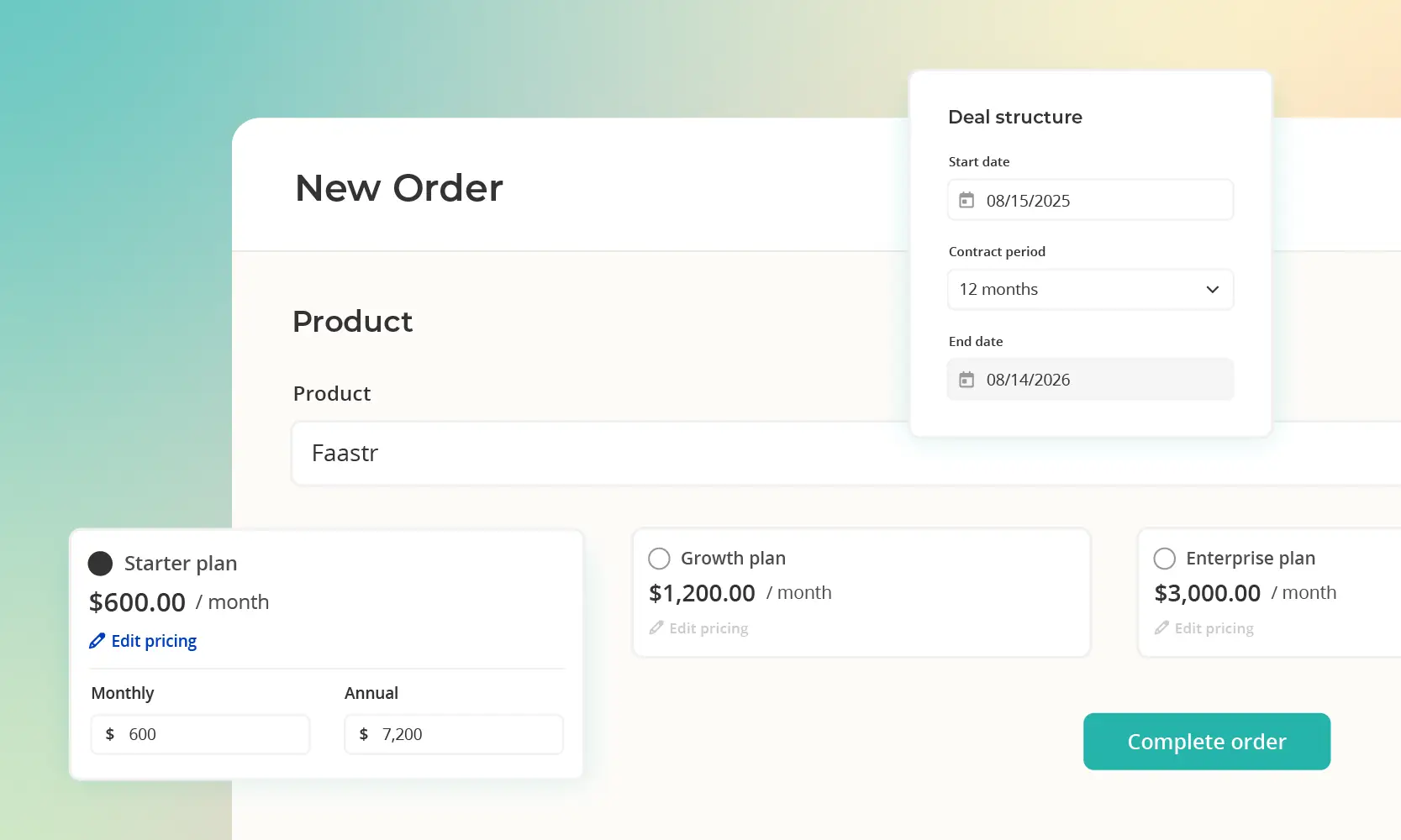
If you've ever found yourself trying to close a big deal using a mashup of messy spreadsheets, slightly-outdated Word docs, and a whole lot of sheer grit, trust us, you're not the only one. Most early-stage SaaS teams start exactly this way: quoting in Excel, copying it into a Word doc, emailing redlines back and forth, chasing signatures in DocuSign, then manually creating an invoice in Stripe because nothing connects to anything else.
And sure… It works… until it doesn’t.
Who hasn't seen a deal slip away because the other guy was faster? Or had finance tearing their hair out over mismatched numbers, approvals getting lost in Slack threads, and month-end closes that just won't end.
CPQ software exists because of this. It automates how you configure products, set pricing rules, and generate professional quotes – turning a multi-day, error-prone process into something that takes minutes.
We're going to break down what CPQ software actually does, why traditional implementations feel like an enterprise tax, and how modern quote-to-cash platforms close deals faster without being over-complicated.
If you Google “What is CPQ software?” or “How does CPQ help you sell faster?” what you really want is a straight answer – not jargon, not vendor-speak. So here it is in plain English:
CPQ stands for Configure, Price, Quote. It’s software that takes everything that slows down quoting – manual calculations, “what can we bundle?” questions, approval delays, and spreadsheet gymnastics and turns it into a clean, guided flow.
So, in short, CPQ is like giving your sales team a smart calculator, a rulebook, and a proposal generator all in one place.
It stops reps from picking options that don’t go together, applies your discount rules automatically, and produces a polished quote that a customer can actually sign, ideally with e-signature built in.
And this is the part most teams feel immediately:
CPQ turns a multi-day quoting process into something that takes minutes.
Instead of hunting through old quotes or double-checking pricing formulas, reps follow a guided flow that handles the math, the guardrails, and the formatting. It’s a bit like moving from handwriting restaurant orders on notepads to using a modern POS system – the work is the same, but the experience is dramatically faster and far less error-prone!
But who actually uses CPQ?
Mainly B2B SaaS companies with a sales-led motion – anyone who needs formal quotes, approval rules, or multi-year contracts. And it’s definitely not just for big enterprises. Companies in the $500K-$2M ARR stage often benefit the most: they’ve grown past spreadsheets, but they’re not about to spend six figures on an enterprise CPQ rollout.
A CRM and a CPQ do very different jobs, even though they sit right next to each other in the sales process. Your CRM is the system that keeps track of people – every lead, conversation, deal stage, and follow-up. It’s where your pipeline lives.
A CPQ system takes over when a deal is far enough along that someone asks, “Can you send me a quote?” This is where configuration rules, pricing logic, discounts, approvals, and contract terms all come together. The CPQ generates the actual proposal your buyer will review and sign.
The two systems usually work hand-in-hand. CPQ pulls customer and opportunity data from the CRM, builds the quote using your product rules, and then pushes the signed contract back into the CRM so forecasting and revenue reporting stay accurate.
It helps to separate Salesforce CRM from Salesforce CPQ, which is a different tool entirely. Salesforce tracks your deals; CPQ is the engine that turns those deals into real, signable contracts.
After that point, billing platforms (like Stripe Billing, Chargebee, or Zuora) handle invoicing, payment collection, and renewals. That’s why CPQ is in the middle of the revenue stack: you have to configure and price correctly before you can bill anything!
The CPQ flow is straightforward: configure → price → quote. The value comes from removing all the small points of friction that usually slow down quoting.
The configure step handles the messy part that people normally handle in spreadsheets or Slack messages. It applies the rules you’ve already agreed on. If two add-ons don’t work together, one quietly disappears. If a feature must always be included, it’s there by default. If a bundle is a better fit, it shows up at the right moment.
The price step handles the numbers. This is where companies often run into trouble: tiered pricing, usage charges, annual ramps, and discounts that were approved once but never written down. CPQ keeps everything consistent. It applies the correct pricing automatically, and it stops discounts that fall outside your policy unless someone approves them. Reps stay within guardrails without having to think about it.
Most teams feel a real lift up to this point. The issue is what happens next. This is where most traditional CPQ tools drop the ball.
Traditional CPQ tools generate the quote and then drop everything back into manual work. Someone exports a PDF. Someone emails it. Someone sends it for signature. Someone rebuilds the same information in the billing tool. Someone tells engineering to turn on access. Each step feels small, but together they slow everything down.
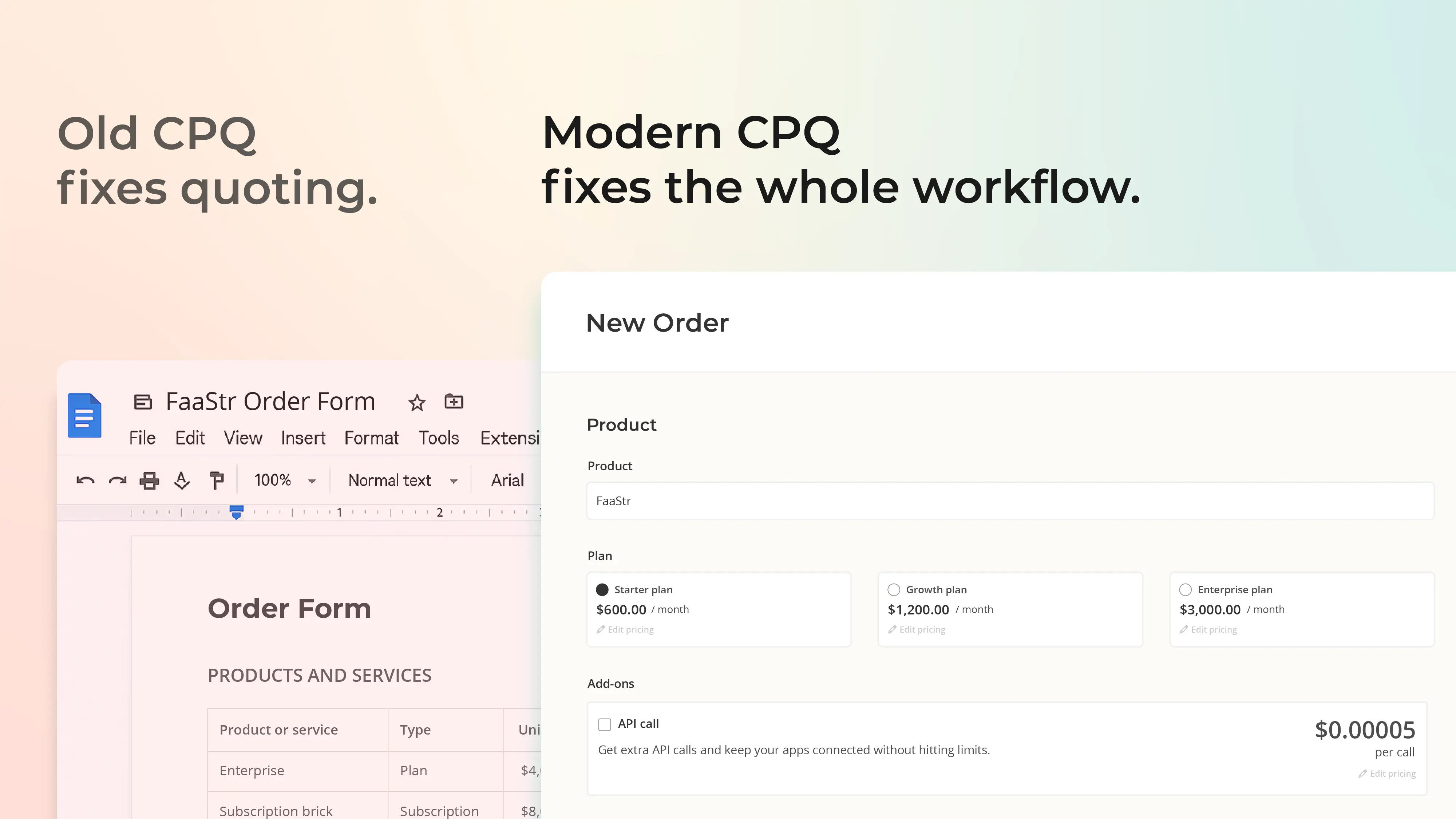
Usage pricing makes this even harder. A rep can quote it, but finance often has to rebuild it manually in the billing system, and provisioning doesn’t always match what was sold.
Modern quote-to-cash platforms close that gap. Instead of stopping at the quote, they carry the customer through the rest of the flow (review → sign → pay → access) without the usual handoffs that cause delays.
When you’re choosing CPQ, you’re really evaluating three things: how quickly you can get value, how much custom work it will take to maintain, and whether you’re picking a standalone quoting tool or a true quote-to-cash platform.
CPQ can absolutely help your team move faster. When it’s running well, you get quicker quotes, fewer mistakes, fewer surprise discounts, and pricing that stays consistent no matter who’s selling. The catch is what it takes to get there.
Large, enterprise-grade CPQ systems often come with long onboarding periods and high setup costs. Instead of configuring a tool, you end up building a system. Every rule, every pricing structure, every approval path has to be customised, usually with external help. That’s before you connect CPQ to the rest of your stack.
Once everything is up and running, the work doesn’t end. Most enterprise CPQ tools rely on custom integrations to send quotes to your billing platform. Any change in your pricing, product structure, or API can introduce breakage, which means pulling engineers off product work to fix quoting or invoicing issues. Over time, this becomes a hidden budget: maintenance, patches, and re-work across sales, RevOps, and finance.
For early-stage SaaS teams, this matters. If the system takes months to set up or constant engineering time to keep running, the speed benefits can disappear quickly.
Older CPQ tools rely on custom code to connect quoting and billing. This can work… sometimes. When the CPQ system updates its API, or your billing tool adds a new requirement, that glue breaks. Someone has to fix it, and it’s usually an engineer who’d rather be shipping product.
The same thing happens between quoting, e-signature, and your ERP. Each system passes different pieces of information, and every gap becomes another place where errors creep in. Finance teams still spend time comparing CRM numbers against billing reports just to make sure the revenue picture is correct.
These little things add up. They slow down sales, delay invoices, create mismatches for finance, and make the whole process feel more complicated than it should be. This is the main reason many teams look for a platform that keeps quoting, signing, billing, and provisioning in one flow instead of scattering it across several tools.
Salesbricks brings quoting, signing, billing, and provisioning under one roof. It’s the buying experience teams wish they had years ago – simple, fast, and professional from the first link sent to the moment the customer gets access!
In the traditional setup, quoting is a relay race. You build the quote in CPQ. Then export a PDF. Then send it over email. Then wait for redlines. Then push it through DocuSign. Then someone creates the invoice in Stripe. Then someone else waits for payment. Then another person alerts product or engineering, so the customer actually gets access. Then, then, then…
With Salesbricks, you can consolidate the entire buying experience into a single link. You send the order link. The buyer reviews the quote online. If they need changes, you update the quote and send an updated link – no back-and-forth files. Depending on your settings, they can sign electronically, confirm with a checkbox, or pay immediately by credit card or ACH. Access provisioning then runs automatically through the webhooks and API integrations you’ve configured.
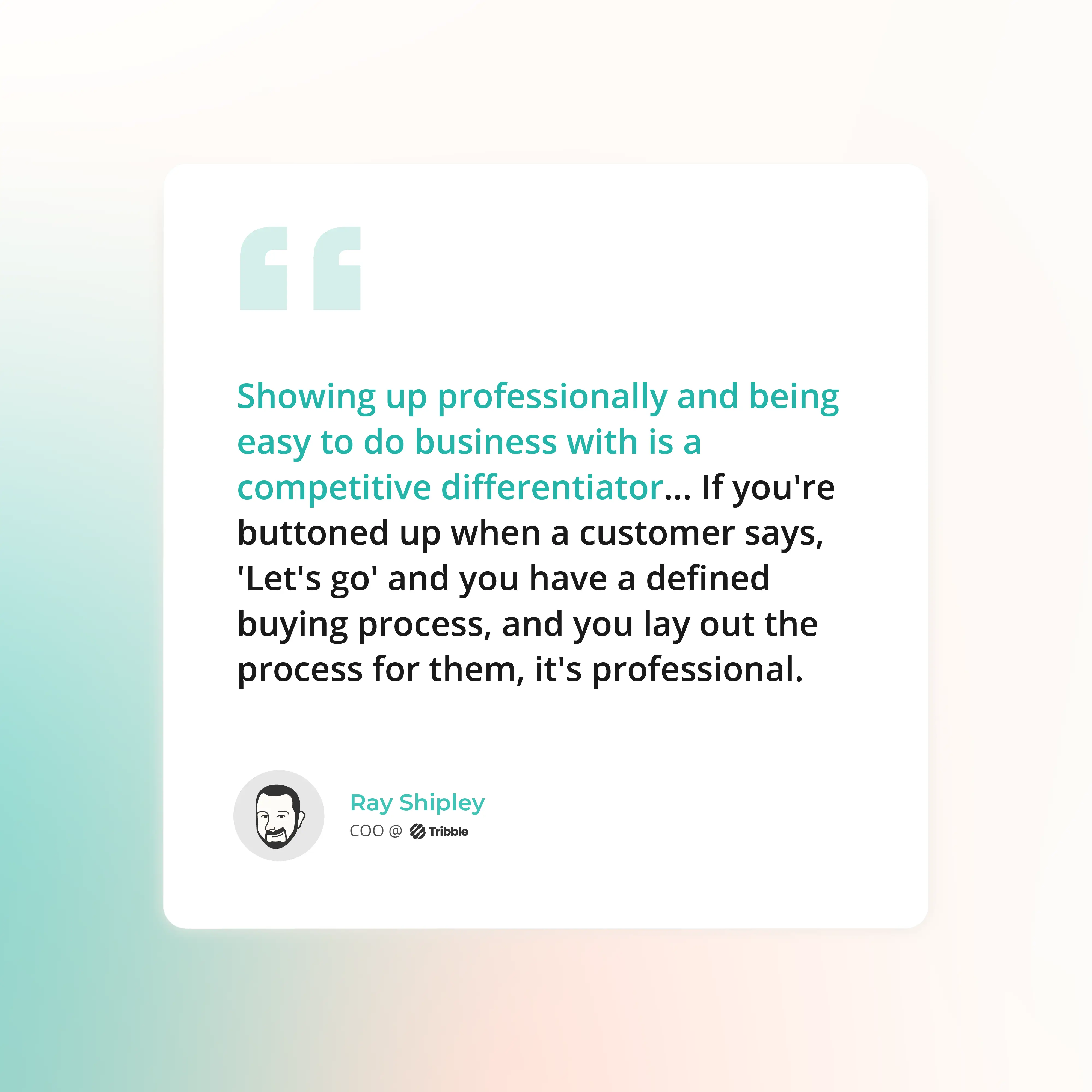
Teams describe the feeling the same way: “Why were we ever doing it the old way?” Deals that used to take a week of back-and-forth now close in a fraction of that time. Enterprise teams like Tribble saw this firsthand – their buyers finally had a process that felt organized, predictable, and modern enough to match the product they were buying!
Salesbricks uses a simple structure (Products → Plans → Bricks) where Bricks represent individual features or entitlements that can be added to any plan. And once teams see it in action, it immediately clicks. The entire catalog lives in one place, and that same structure powers quoting, billing, and entitlements without anyone needing to sync or “translate” anything.
Sales uses the exact same product catalog that billing relies on. Pricing changes flow through instantly. Plan updates show up everywhere they should. And entitlements match what was actually sold, without anyone rebuilding it in another tool or checking a hidden spreadsheet.
Teams that switch to this model usually say the same thing: “This is how our catalog should have worked from day one.”
It replaces the old dual-catalog problem entirely – where CPQ has one version of your pricing, billing has another, and engineering has a third copy buried in Slack or Notion. With Salesbricks, everyone works from the same source of truth, so quoting, billing, and provisioning all stay aligned without extra steps or maintenance.
Usage pricing is usually where everything gets messy. Reps quote it, but someone still has to rebuild it manually in the billing system. Engineering then has to wire up provisioning by hand. Somewhere along the way, numbers stop matching, and customers end up asking access questions. Sound familiar?
Salesbricks handles the quote-to-payment flow – you just connect it to your product once. After that initial setup, every deal runs in the right order automatically:
You build this integration once. From then on, every deal follows the same automated path without anyone chasing provisioning, creating tickets, or manually granting access. The upfront engineering work pays off fast once your sales team starts closing deals and customers can log in immediately – no delays and no “Can someone set this up?” messages.
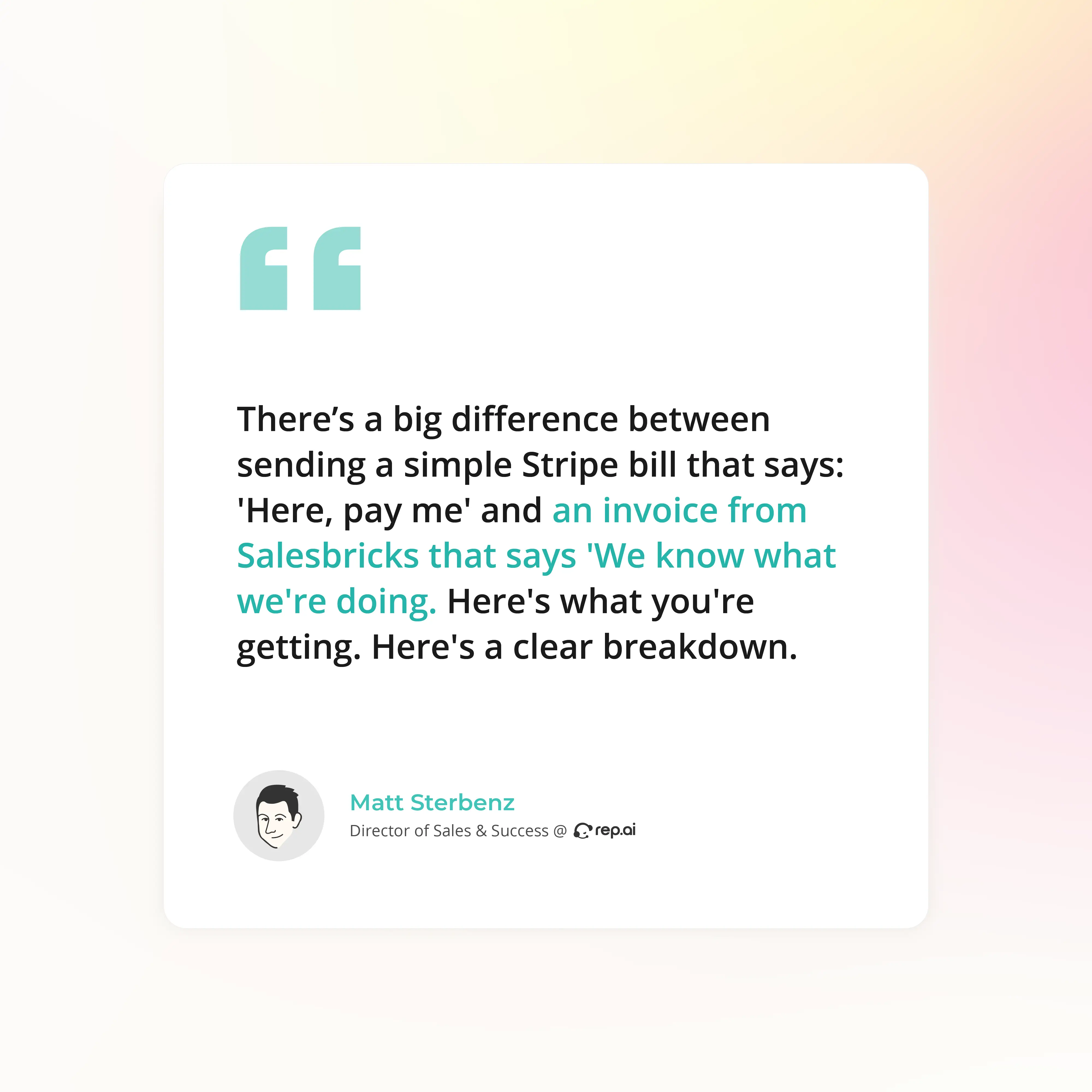
Many growing SaaS teams reach a point where Stripe checkout isn’t enough. Pricing gets more complicated, more deals need a sales-assisted push, and contracts require real terms, but it’s still too early for a heavy enterprise CPQ.
Salesbricks is the natural next step. You keep Stripe as your payment processor while gaining the structure needed to run a proper quote-to-cash flow. Teams usually go from connecting Stripe to sending their first live quote the same day, rather than waiting weeks for an enterprise-style rollout.
Once in place, the whole process becomes faster and more organized. Reps quote accurately, finance fixes less, and buyers get a clean, modern checkout experience.
Rated 4.8/5 stars on G2 and known for being easy to use, Salesbricks gives earlier-stage SaaS companies a system that fits their size without adding unnecessary complexity. And with totally transparent pricing, you know exactly where you stand with budgeting, too.
The companies winning deals aren’t always the ones with the better product; they’re the ones that are simply easier to buy from. Quick quotes. No messy handoffs. A checkout flow that feels organized. Access that switches on right after the signature. These small advantages stack up fast.
If your process still relies on spreadsheets, emailed PDFs, long redline threads, and invoices that appear days after a deal closes, you’re slowing buyers down. That delay gives competitors room to step in, especially when you’re selling to teams that expect speed and clear steps.
Salesbricks is designed to remove this. The entire path from quote to cash happens in one motion, so reps move faster, finance spends less time untangling errors, and buyers get a process that feels clean and modern.
You don’t need to wait until you’re a bigger company to fix this. Improving your buying experience early on protects deals you’d otherwise lose to delays and disjointed steps.
Don’t just take our word for it, book a demo and see Salesbricks in action.