30% of your revenue happens while you sleep
Founders don’t buy software during business hours, they buy software when it’s most convenient for them. That often happens after hours at 9 pm, 12 am, or even
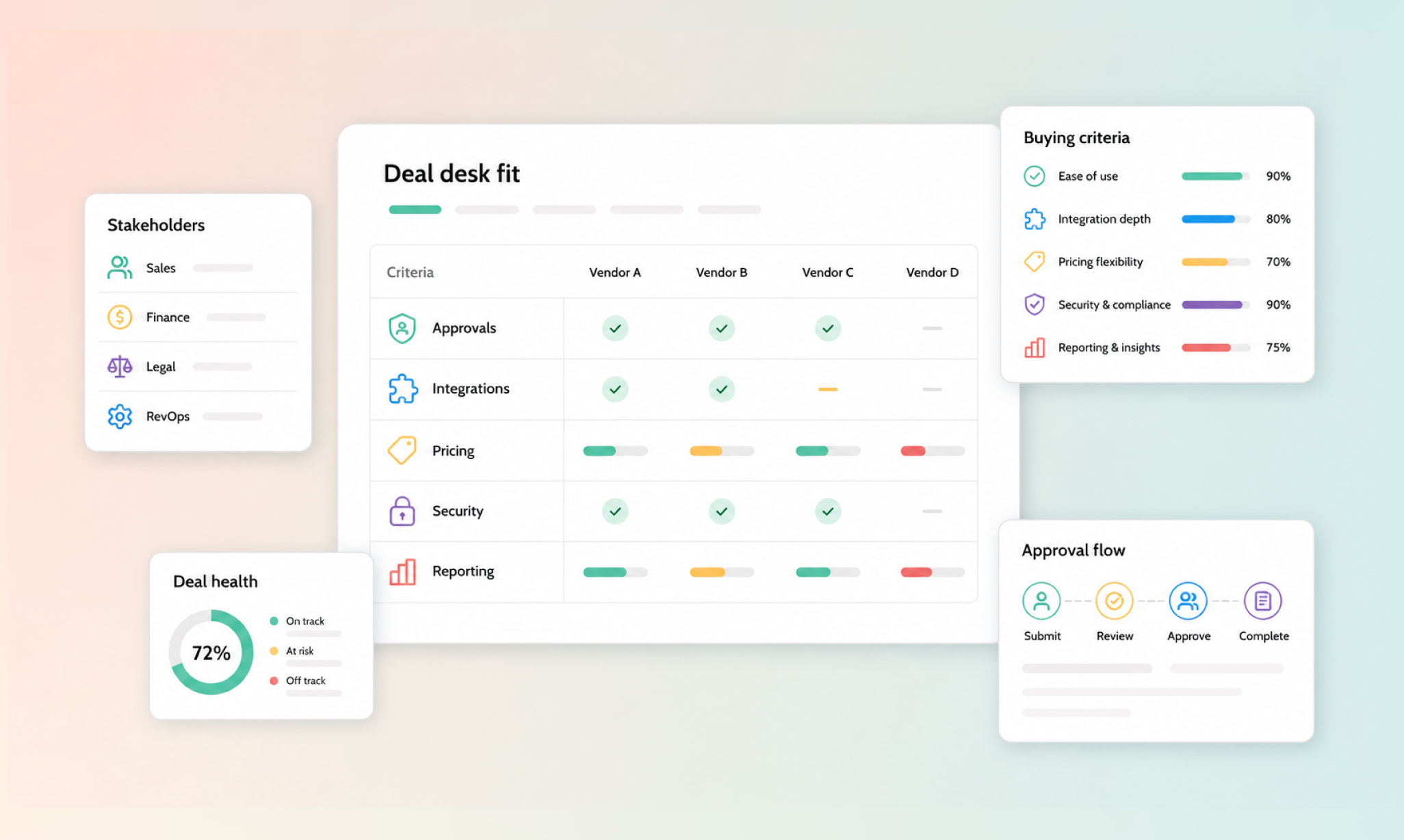
Imagine you have a deal that’s ready to close, and then someone asks for a non-standard discount.
Suddenly, the rep is chasing approval in Slack, finance is asking for context, and the customer is waiting, with no paper trail of who agreed to what. The process works fine until the exceptions start piling up.
Deal desk software brings structure to those exceptions, so complicated deals don’t have to be manual ones.
We’ll cover what deal desk software does, how the different types of tools compare, and what to look for when choosing one.
Deal desk software is a platform that routes non-standard deals, such as custom discounts, payment terms, and contract changes, through set review and approval steps from quote to billing. It gives those deals a clear path from “the customer wants this” to “we can approve and close this.”
Instead of a rep putting a request into Slack and waiting for the right people to get back to them, the software sets rules for what needs review, who needs to review it, and what happens next. It creates a governance layer around the deals that fall outside your standard sales process.
In practice, that usually means handling six things:
It’s also worth separating the deal desk from deal desk software. The deal desk is the people and process responsible for reviewing exceptions and helping deals get across the line. The software is what gives that process structure.
And despite the name, it isn’t simply another sales tool. Sales owns the customer relationship and moves the deal forward. A deal desk sits across sales, finance, legal, and operations to make sure the deal being closed is one the business can actually deliver and bill correctly.
CPQ builds the quote, CLM manages the contract, and approval tools handle the exceptions in between; deal desk software is whatever connects the three. Because the categories overlap, comparing platforms can be harder than it needs to be.
CPQ, or configure-price-quote software, is primarily concerned with building an accurate deal. It gives sales teams a structured way to choose products, apply pricing and discounts, and create a quote. CLM, or contract lifecycle management software, takes care of the agreement itself, including contract creation, negotiation, e-signature, and storage. Approval tools handle the review process when a deal falls outside the normal rules and needs input from a manager, finance, legal, or another stakeholder.
The distinction matters to a point. A real deal moves through all of these steps, and problems tend to appear when the systems supporting them don’t share the same information.
Consider a rep putting together a multi-year agreement with a non-standard discount and custom payment terms. The quote may be created correctly in the CPQ, but the discount still needs approval and finance needs to agree to the payment schedule. Once those decisions have been made, the final terms need to appear in the contract, and after signature, billing needs to know exactly what the customer agreed to pay and when.
When each stage lives in a separate tool, keeping that information consistent becomes another job for the team. An approval might be recorded in Slack, a revised term might only exist in the latest contract, or finance might have to check the signed agreement against the CRM before setting up an invoice. None of those tasks is particularly difficult on its own, but together they create the delays and manual work that a deal desk is supposed to remove.
That’s why the most useful way to compare deal desk platforms is to look beyond whether they offer CPQ, CLM, or approval functionality and examine how the full process fits together. Some products specialize in one part and integrate with the rest of your stack, while integrated platforms bring several parts of the process into the same system. Salesbricks is an integrated platform of this kind, with quoting, discount limits, e-signature, checkout, and billing in one system. Either approach can work; what matters is whether changes made during the deal carry through without someone having to update another system manually.
For SaaS teams, that makes four areas especially important when evaluating a platform: how approvals are routed, how pricing rules are enforced, what the buyer experiences between quote and payment, and how reliably deal data moves into the systems responsible for CRM and billing.
Those are the differences worth looking at more closely.
Approval routing should make it obvious which deals need another set of eyes and get them to the right person without the rep having to manage the process themselves.
That usually starts with thresholds. A standard deal might move ahead without intervention, while a larger discount, unusual payment schedule, or other exception automatically triggers a review. Platforms such as DealHub support structured approval workflows for this purpose, while Salesbricks applies each user’s discount limit inside the quote itself, so reps know when a deal falls outside their authority before it reaches the customer.
The important thing to look for is what happens after that trigger. A good workflow should show the rep where the deal stands, who has it, and how long that person has to respond. Otherwise, “in review” is just a more organized version of waiting for someone to answer in Slack.
Pricing guardrails put your discount policy into the quoting process, rather than relying on every rep to remember when they need permission.
For example, you might let an AE discount up to 10%, let a sales manager approve up to 20%, and send anything beyond that to finance. The exact percentages matter less than having those rules enforced before the quote reaches the customer.
PandaDoc CPQ, a paid add-on to PandaDoc’s Enterprise plan, supports this kind of conditional approval, including rules that trigger review when a discount or document value crosses a set threshold. Salesbricks builds the same principle into the quote itself: each user has a maximum discount threshold, so a rep can’t send pricing beyond their permitted range.
That’s the distinction to check when comparing platforms: if a rep can build and send a quote outside the rules, review happens after the fact and you still have a gap to police.
The internal workflow is only half of the experience. Once everyone has approved the deal, the customer still has to complete it.
This is where the differences between platforms become more visible. A contract-focused platform such as Conga can handle the agreement and contract lifecycle, but SaaS teams should also look at what happens before and after signature. Does the customer move from a quote to a separate contract and then receive payment instructions somewhere else, or can those steps happen together?
Salesbricks is built around a single digital checkout where the buyer reviews the deal, requests changes, e-signs, and pays, and every change the seller makes shows up in that same checkout.
That’s the idea behind “close, sign, and pay in one motion.” It removes handoffs for the buyer in the same way a good deal desk removes handoffs internally. Tribble, an enterprise AI platform, used it to replace versioned order forms and email back-and-forth, and now closes deals in days instead of weeks.
Finally, look at what the platform will take to implement and how it fits with the systems you already use. A new deal desk tool shouldn’t solve one workflow only to create another reconciliation job elsewhere.
This is especially important with larger revenue platforms. Salesforce has moved new investment from Salesforce CPQ, which is now end of sale, toward Revenue Cloud Advanced within Agentforce Revenue Management. Salesforce says a typical migration from CPQ to Revenue Cloud Advanced takes three to six months, with more complex implementations taking longer. That level of investment may make sense when the underlying requirements justify it, but it should be part of the buying decision from the beginning.
The same applies to integrations. Check whether information moves both ways between your CRM, quoting, and billing systems, and what still needs to be maintained manually. Salesbricks connects with Salesforce, HubSpot, Stripe, and QuickBooks, and publishes its plan pricing on its website.
Implementation is part of the product you’re buying. If the timeline, integration work, or services required to get live aren’t clear during evaluation, make them clear before you sign.
You probably don’t need a formal deal desk when every customer buys on roughly the same terms. The trouble starts when exceptions become a normal part of getting deals signed.
Maybe reps are regularly asking for discount approval in Slack. Finance keeps getting pulled into conversations about payment terms. Someone agrees to a pricing structure that isn’t reflected correctly in the contract, or a deal gets signed and billing has to work backwards to figure out what should actually be invoiced. At that point, the spreadsheet isn’t really the issue. There are simply too many decisions being made around it.
This is where it helps to get specific about which deals need review. Common triggers include:
Those rules keep the deal desk focused on the deals that genuinely need attention. A standard deal should be able to move through without extra review, while an exception should have a clear owner and approval path. Without those triggers, teams tend to end up in one of two places: too many deals require approval, or people decide case by case whether to ask at all.
And yes, you need a process before software can enforce it. But that doesn’t mean spending months designing the perfect deal desk workflow before choosing a system. Decide what needs approval, who can approve it, and where the limits sit. Then use the software to make those decisions part of how deals actually get done.
A deal shouldn’t have to be rebuilt every time it moves to the next step.
With Salesbricks, the deal your team approves is the deal the customer sees and signs, and those same terms carry through to billing. There’s no separate quote to update, contract to recreate, or billing record for finance to piece together after the fact.
That gives sales, finance, and ops the same version of the deal from the start. Reps can keep deals moving within their discount limits, finance knows what was agreed to and what needs to be billed, and ops doesn’t have to spend month-end reconciling different versions across different systems.
Salesbricks is one system for SaaS quoting and billing, with the flexibility to handle the non-standard deals that inevitably come up.
See Salesbricks to close, sign, and pay in one motion.

No. The Trade Desk is an advertising technology company, and its Deal Desk is a feature for managing deals in programmatic advertising. Despite sharing the name, it has nothing to do with the sales deal desk process discussed in this guide.
A deal desk in Salesforce generally refers to the processes and workflows a company runs around Salesforce to review non-standard deals. Depending on the setup, that can include pricing and discount approvals, quote review, contract requirements, and input from finance or legal.
In other words, “deal desk” isn’t a particular Salesforce product. It describes the function and process the team has built around getting deals reviewed and approved.
Salesforce CPQ has traditionally been used to configure products, apply pricing and discount rules, generate quotes, and support approval workflows. That made it one part of a broader deal desk setup rather than the deal desk itself.
However, Salesforce CPQ is now end of sale, with Salesforce moving its revenue-management investment toward Revenue Cloud. For teams evaluating Salesforce today, the question is whether their quote-to-cash process needs a Salesforce Revenue Cloud implementation, or whether a lighter quote-to-cash system such as Salesbricks can run it with less setup work.HubSpot and Stripe can cover simple quoting and payments. Once deals need approvals, custom terms, and billing that matches the signed contract, your team becomes responsible for keeping two systems aligned by hand.
That’s the point at which a quote-to-cash system such as Salesbricks, which connects to HubSpot and keeps Stripe as the payment processor, takes that work off the team.